Autumn
Bay of Plenty Road Trip Ideas
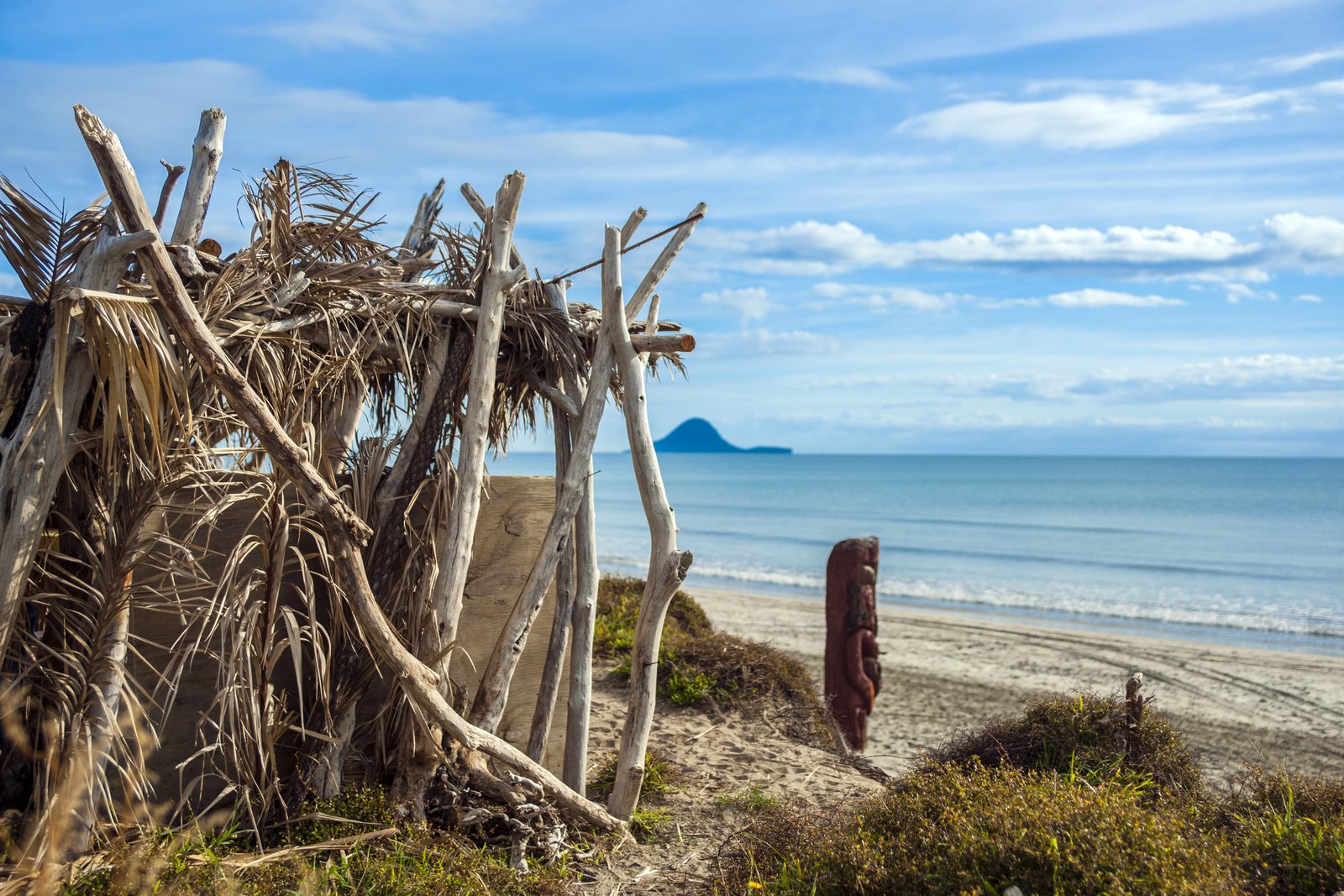
The Bay of Plenty is one of New Zealand’s most diverse holiday regions, offering geothermal attractions, coastal scenery, Māori culture, outdoor adventures, lakes, forests, and

The Bay of Plenty is one of New Zealand’s most diverse holiday regions, offering geothermal attractions, coastal scenery, Māori culture, outdoor adventures, lakes, forests, and
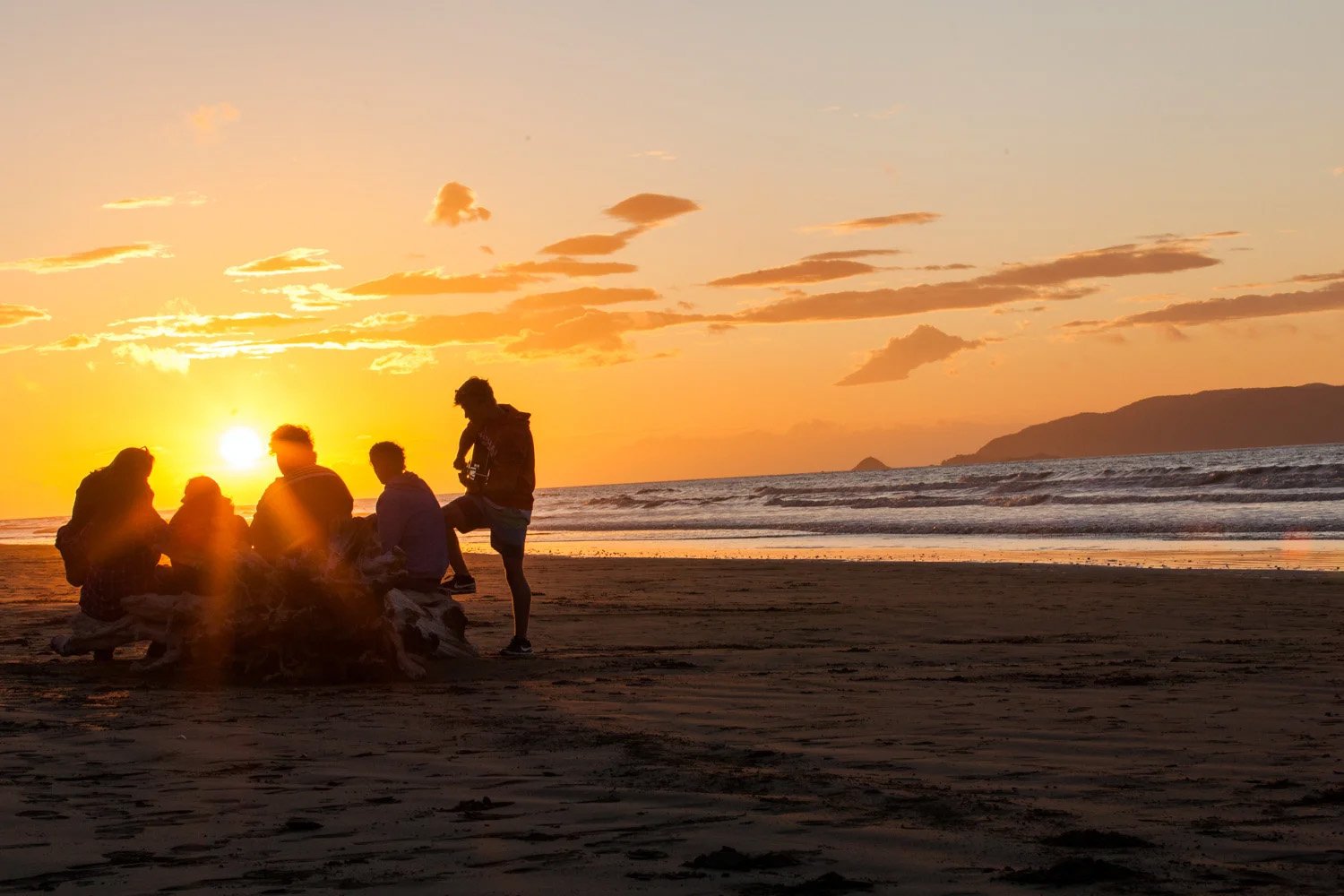
Planning group travel in New Zealand? Whether you’re organising a family reunion, school trip, sports team, corporate retreat or group getaway with friends, New Zealand
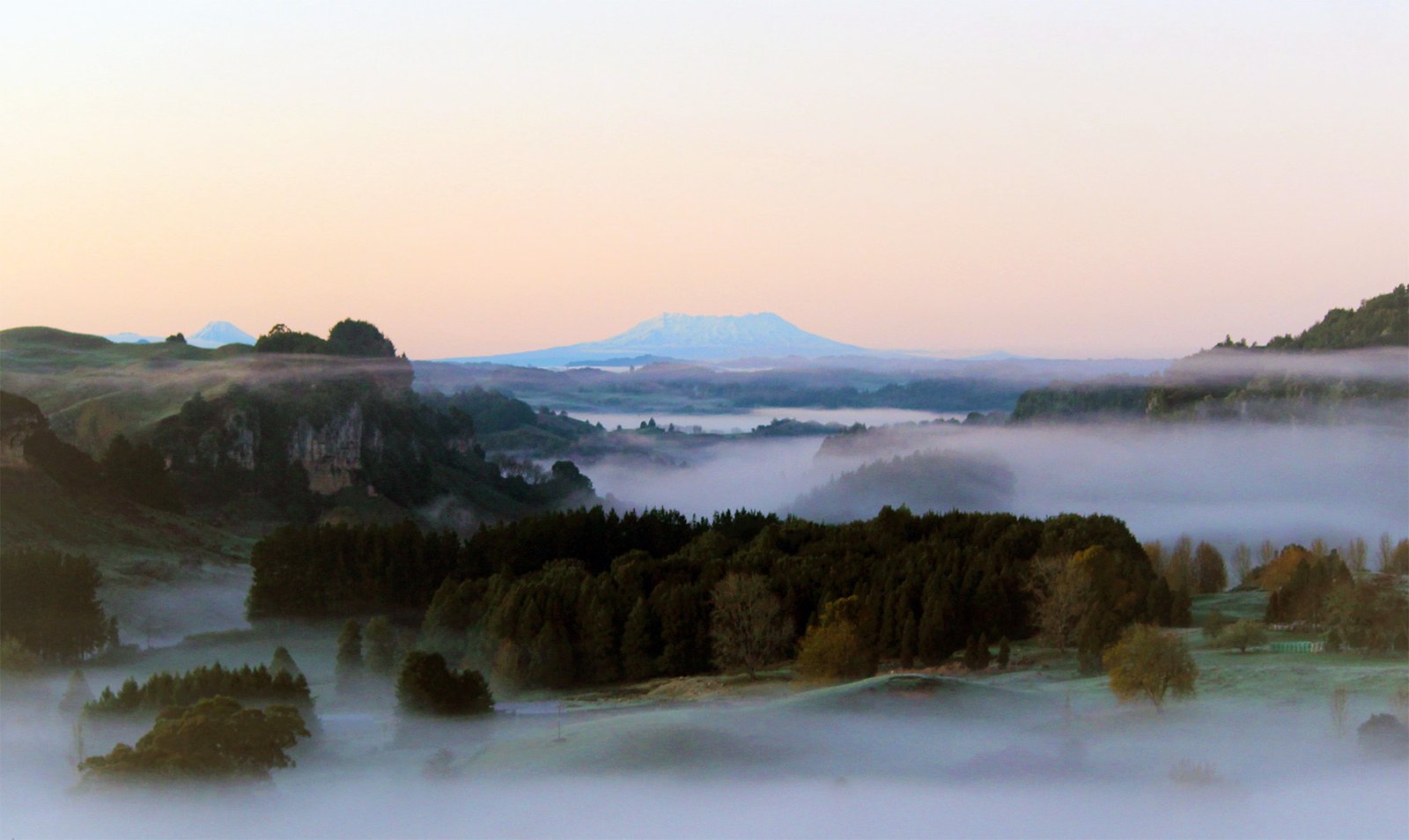
Discover a luxury nature stay near Auckland at Ripples Retreat in Waitomo. Unwind in private riverside cabins surrounded by peaceful Waikato countryside. Luxury Nature Stays
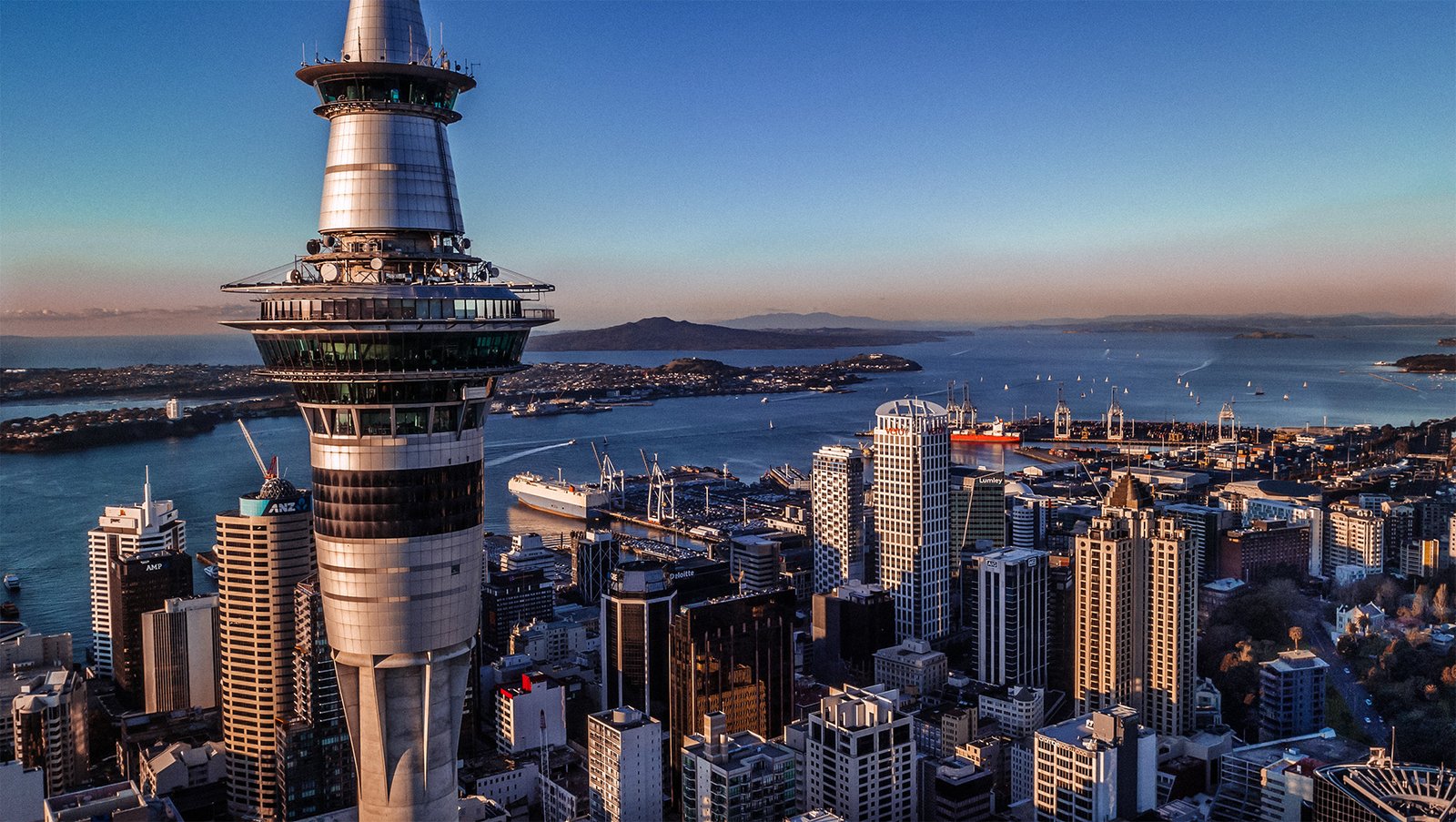
Auckland is New Zealand’s largest and most vibrant city, surrounded by two harbours, dotted with volcanic landscapes and gateway to the islands of the Hauraki
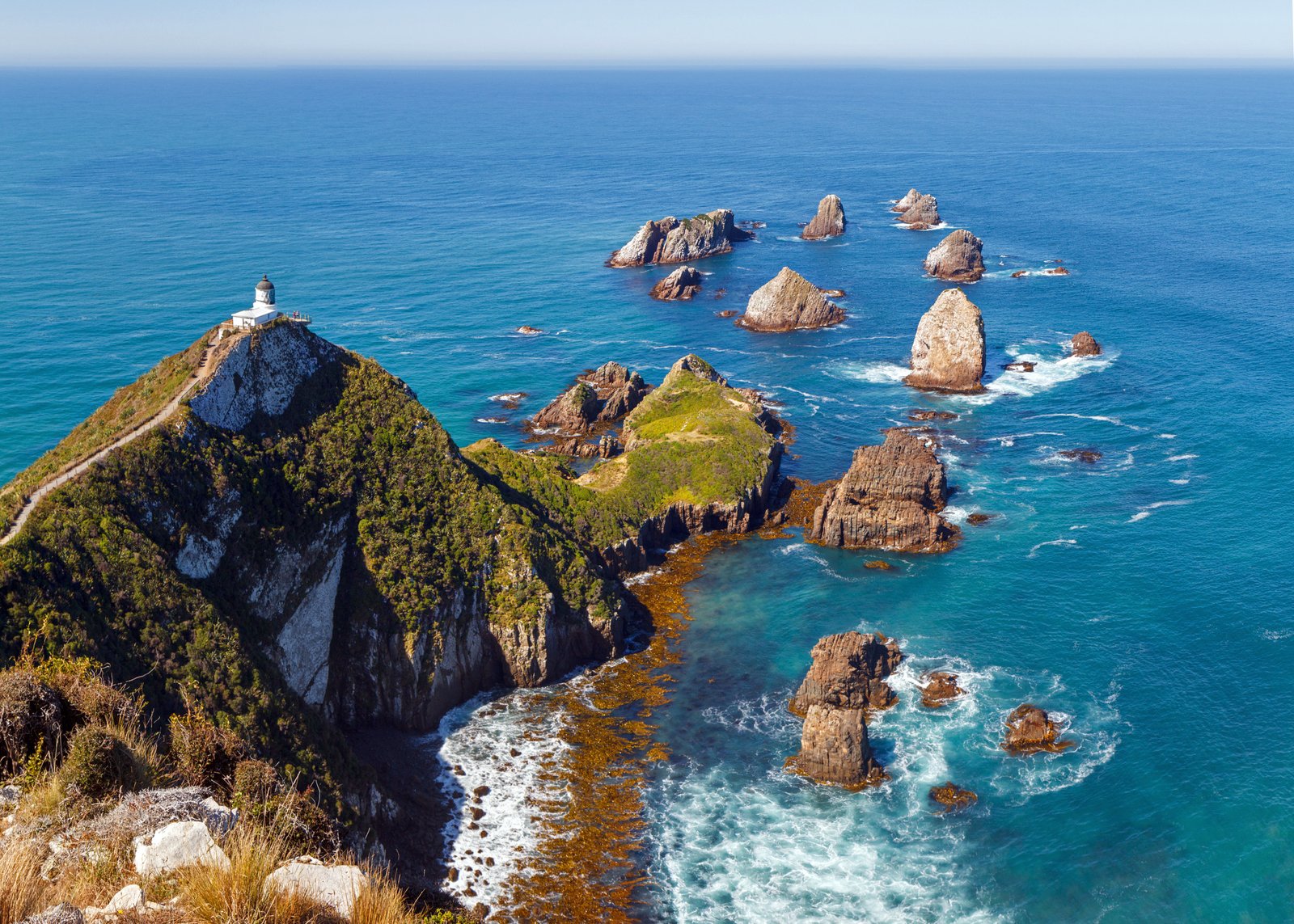
Te Anau, Invercargill, The Catlins, Stewart Island, Gore & Bluff Located at the southernmost tip of New Zealand’s South Island, Southland is a region defined
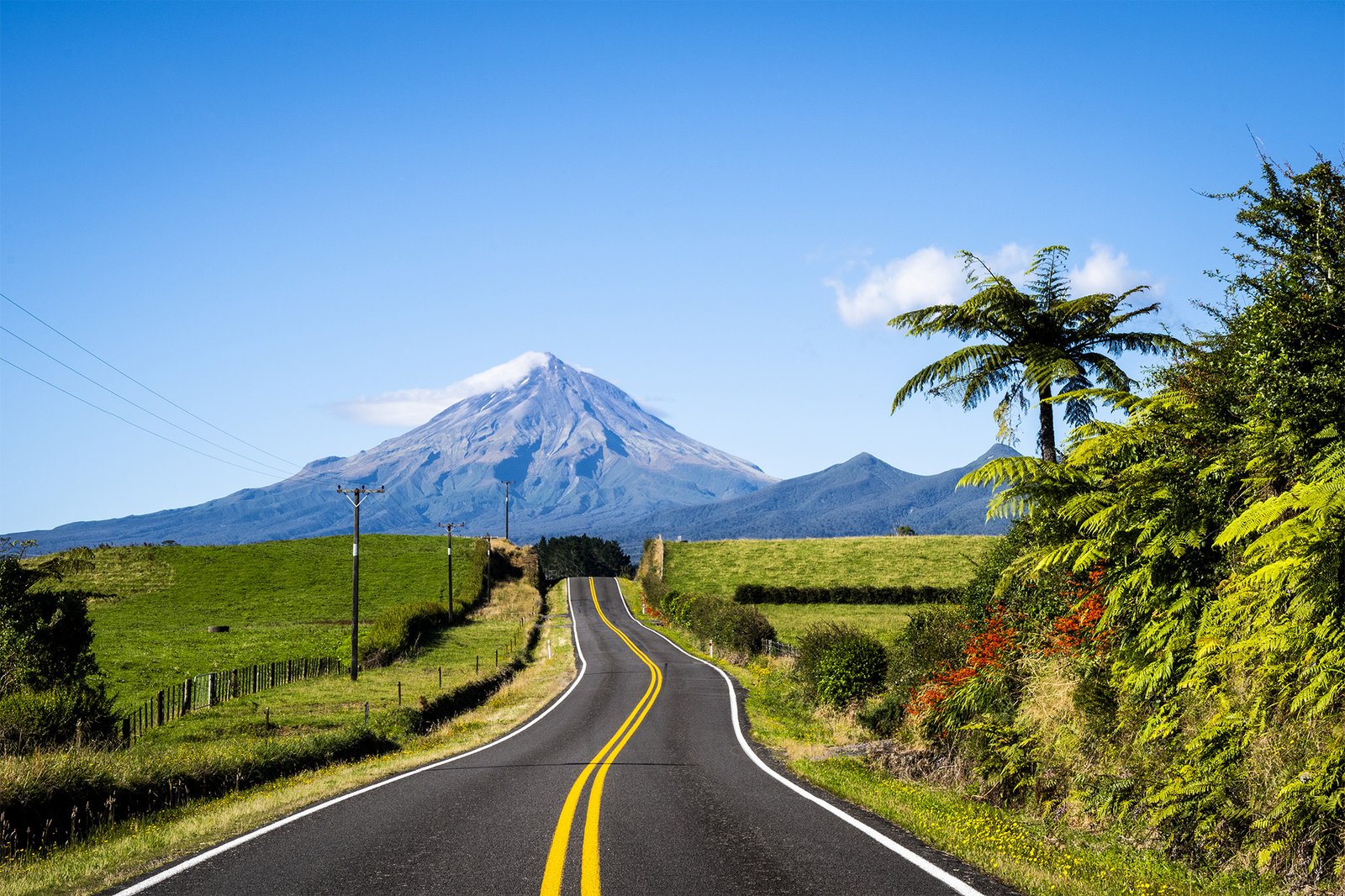
Summer is the perfect time to explore New Zealand by road. If you’re planning New Zealand summer road trips, you’ll enjoy long daylight hours, warmer
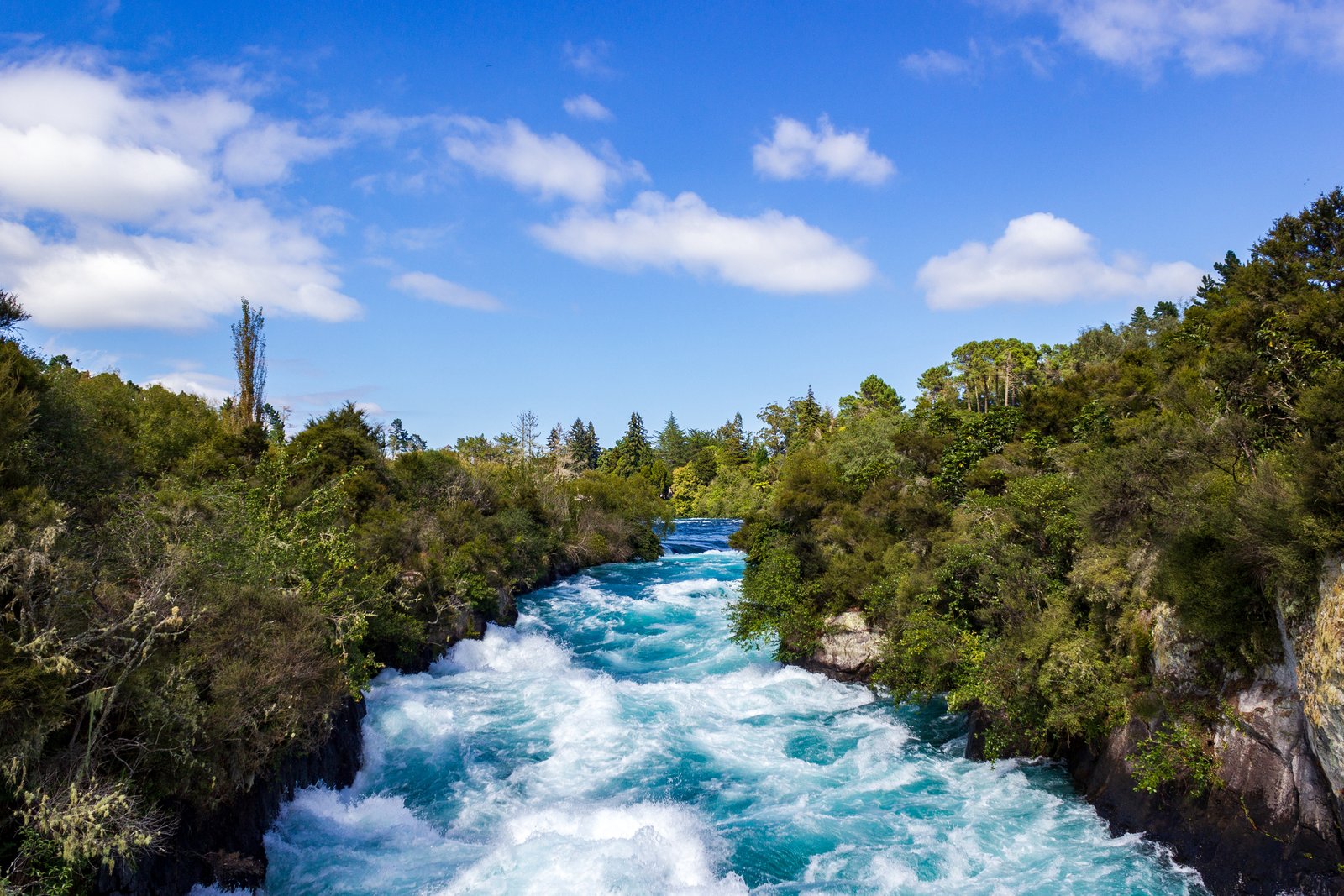
Hamilton, Cambridge, Paeroa, Waitomo, Taupō, Coromandel, Ōtorohanga & Raglan For those planning a trip, a Waikato travel guide is essential to explore all that this
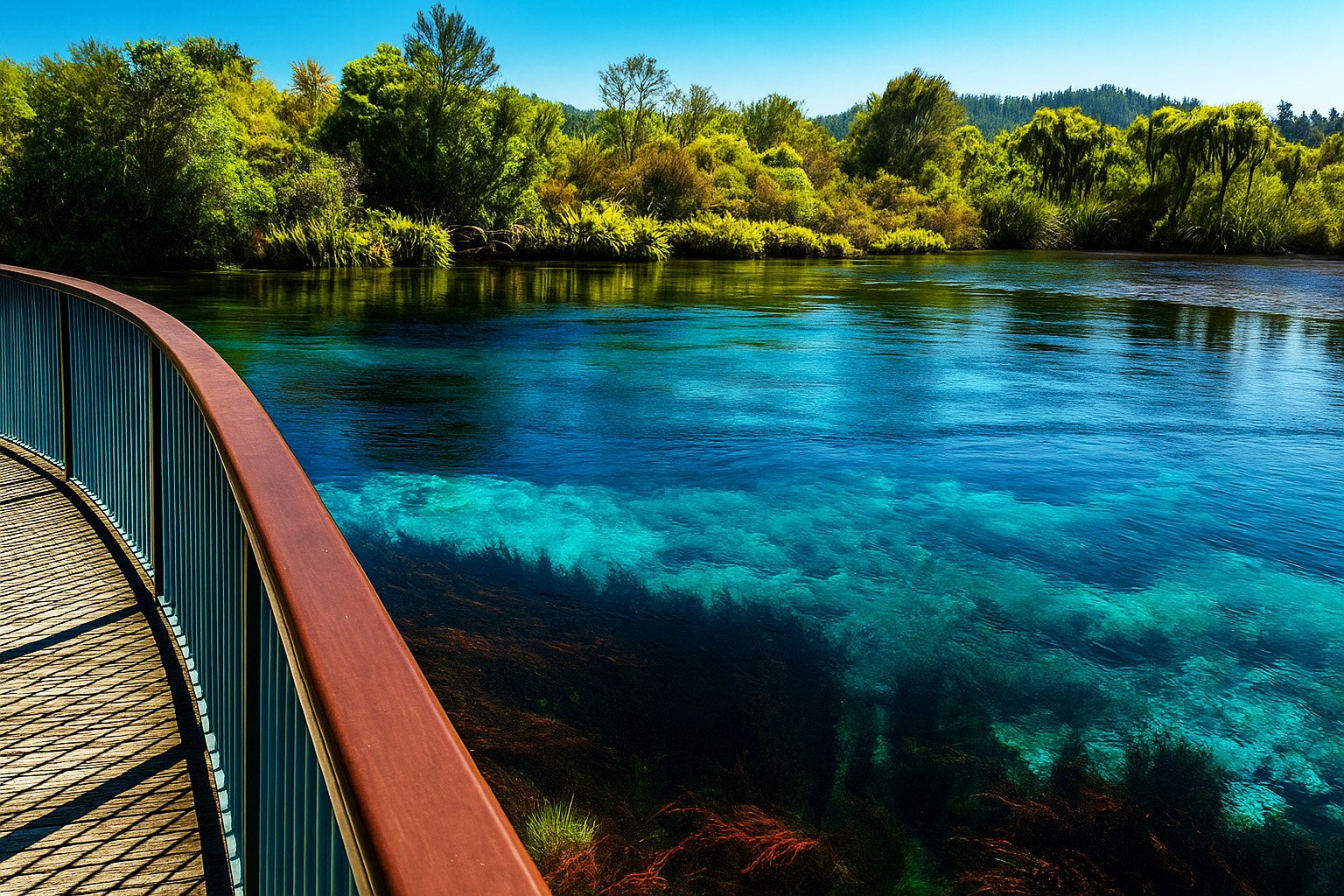
Nelson, Abel Tasman & Marlborough Embark on a Top of the South road trip through some of New Zealand’s most stunning landscapes — from the
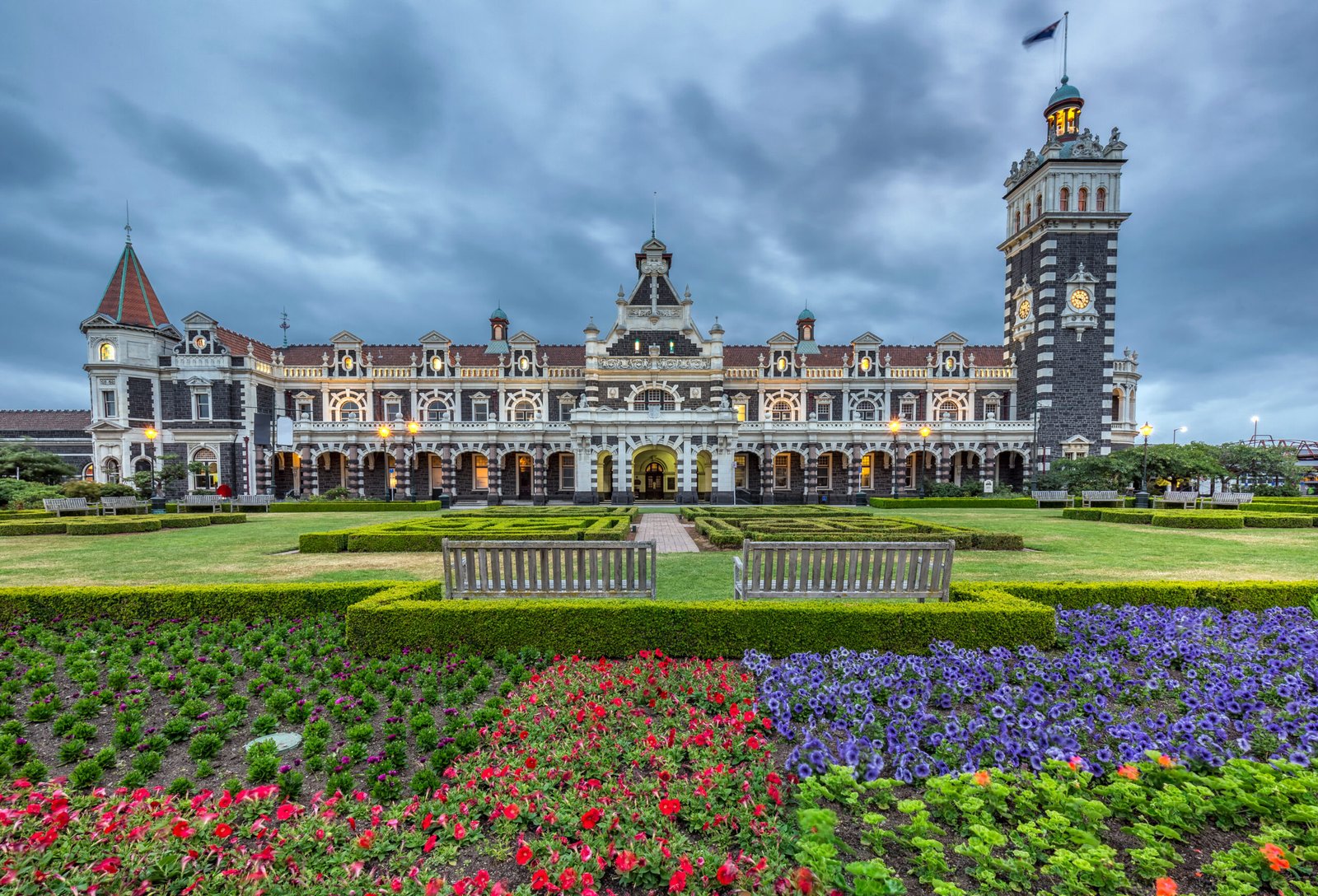
Looking for the perfect New Zealand city break with history, culture, wildlife, and adventure? Dunedin – often called the “Edinburgh of the South” – is
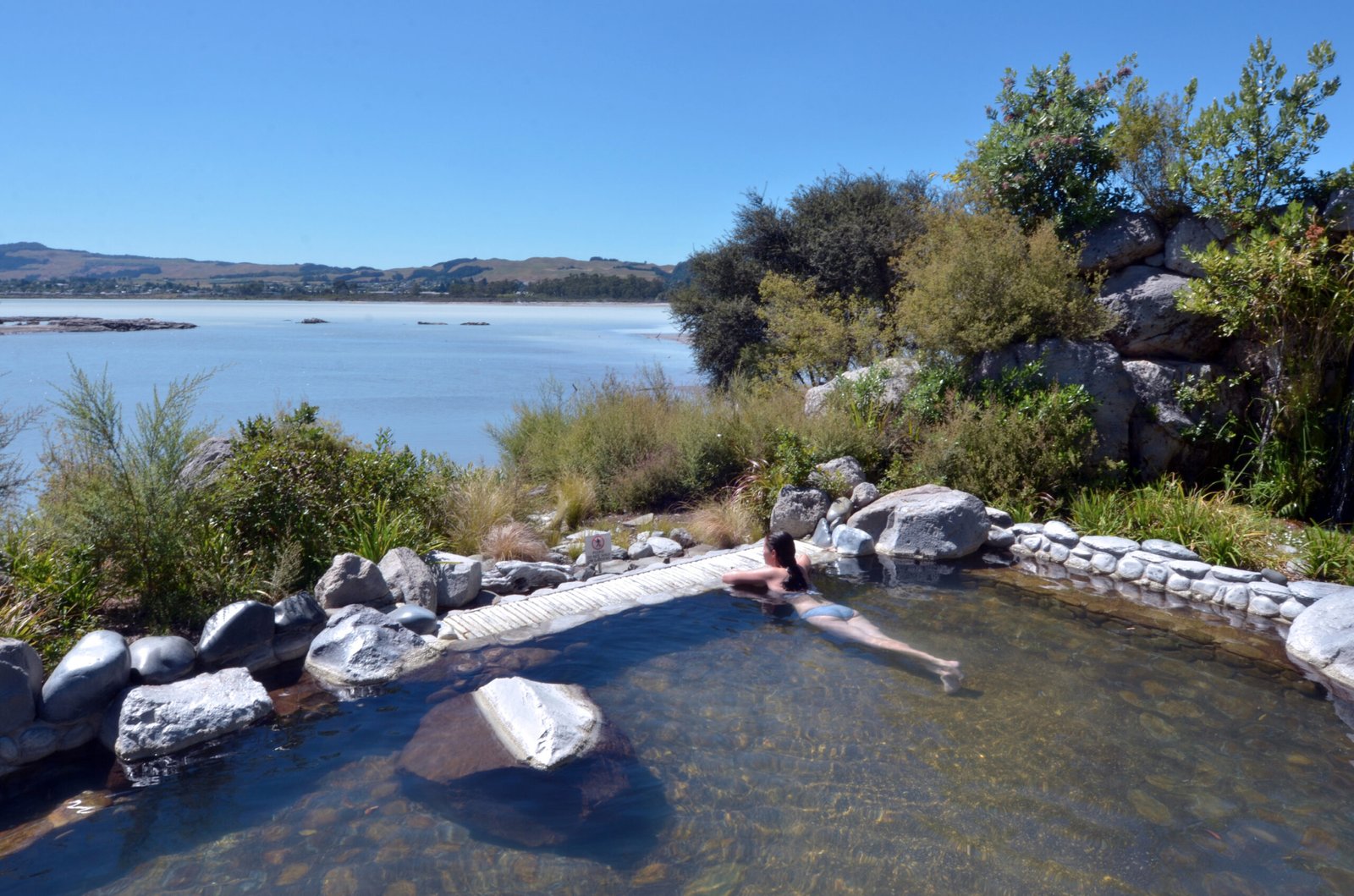
Discover New Zealand’s hidden hot springs, from natural pools to luxury spas. Relax and soak in the country’s best-kept geothermal secrets. New Zealand is home
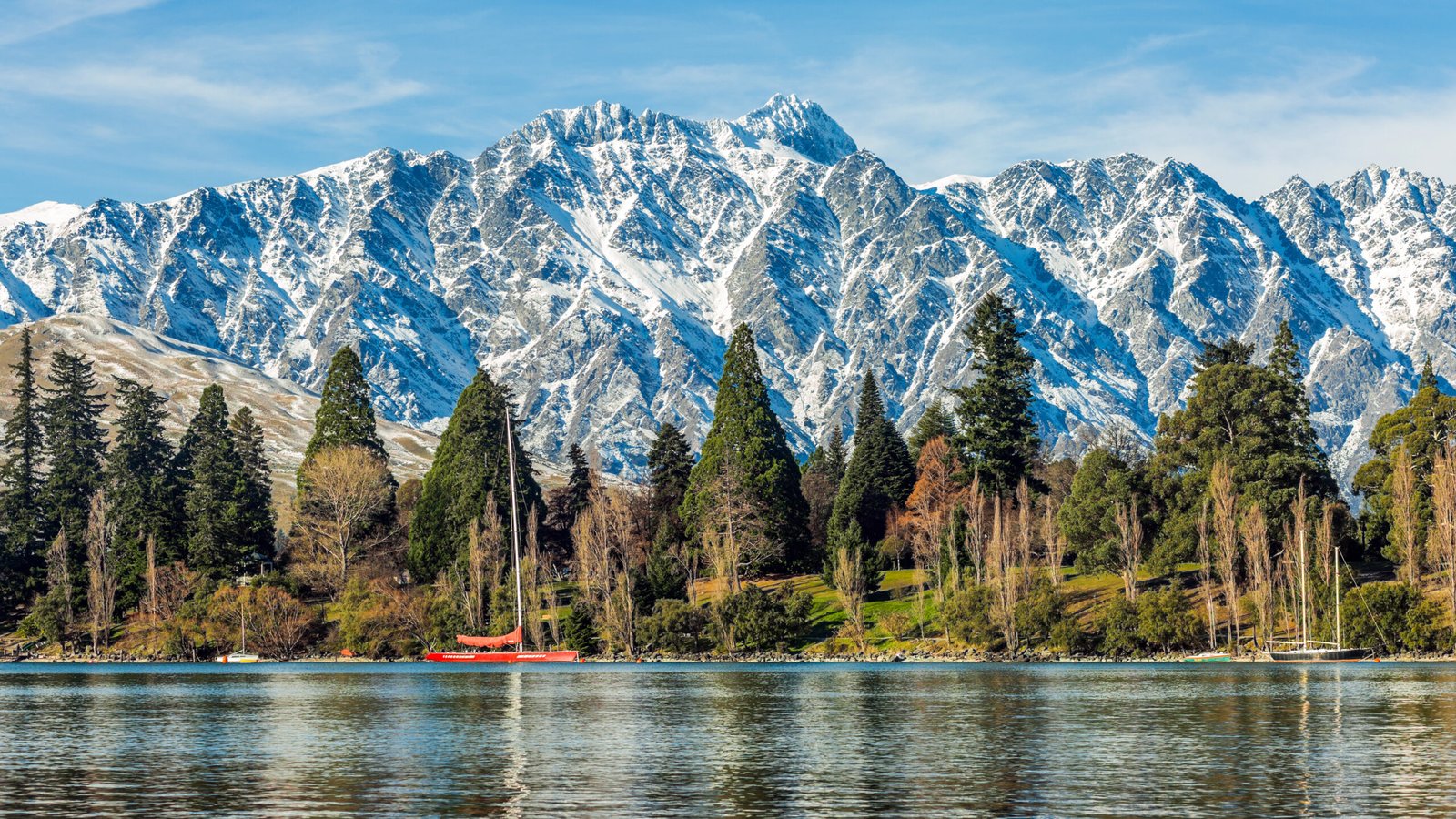
Winter in Queenstown is something else — snow-capped mountains, crystal-clear lakes, roaring fireplaces, and heart-racing adventures. Whether you’re here for skiing, soaking in views, or
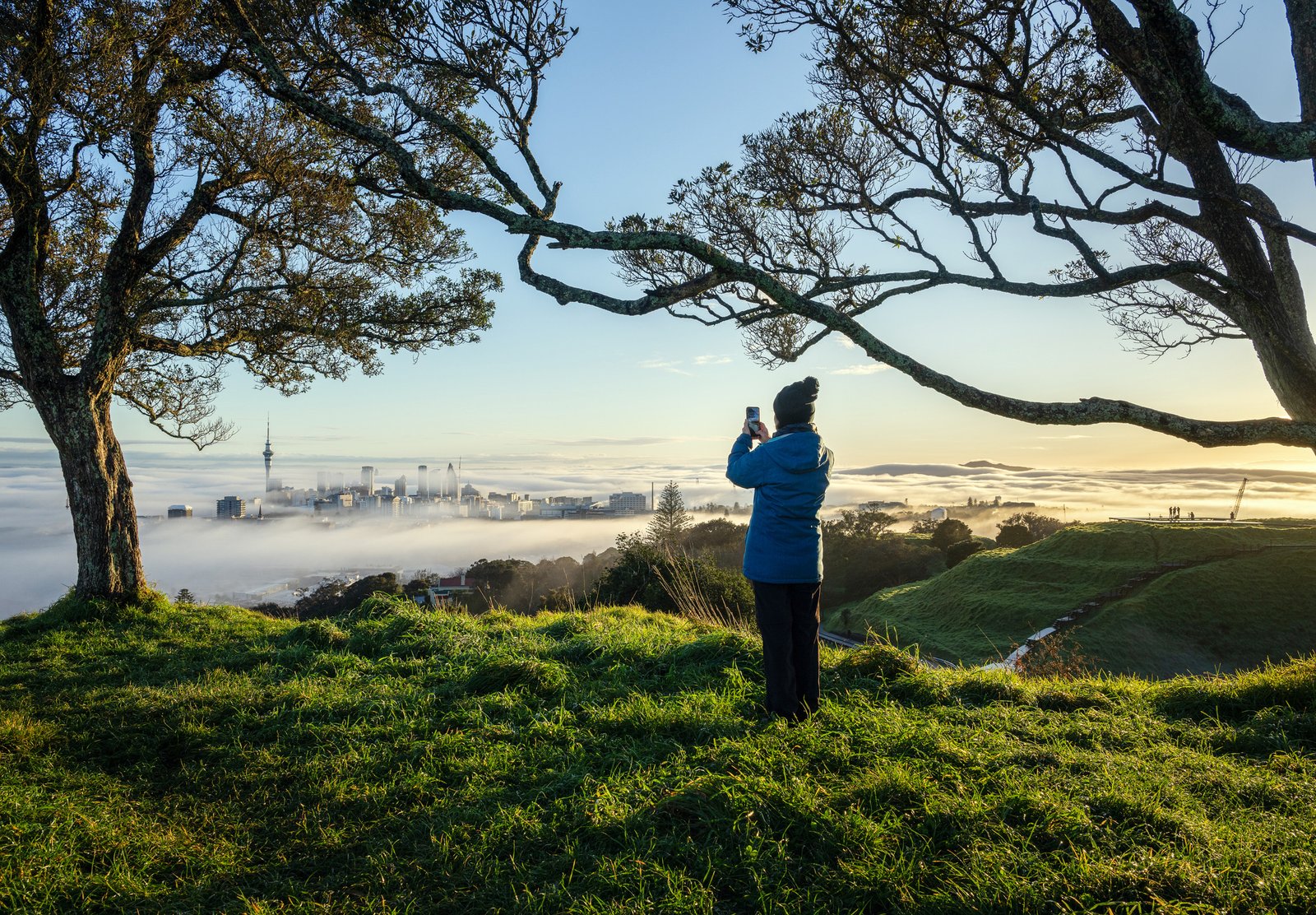
Whether you’re visiting Auckland or looking for local inspiration this winter, there’s no shortage of fun, cosy, and unforgettable experiences—even when the temperature dips. From

When most people think of snow in New Zealand, they picture the towering Southern Alps and the ski towns of the South Island. But did you

Dreaming of hitting the open road and exploring New Zealand’s stunning landscapes at your own pace? A campervan trip is one of the best ways
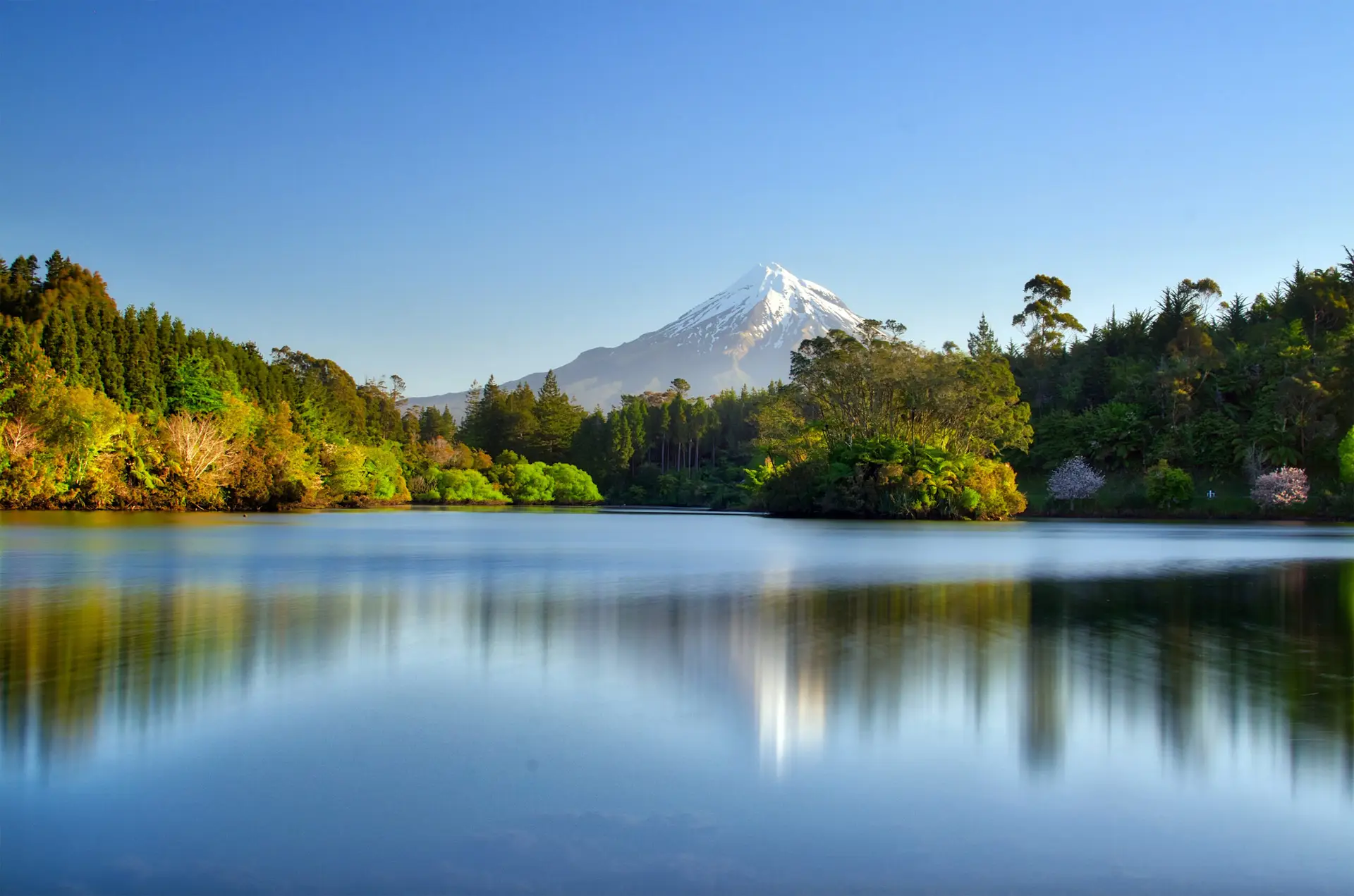
As summer fades and the crisp air of autumn sets in, NZ transforms into a breathtaking landscape of golden hues, making it a perfect time

Looking for a sub-tropical escape? The Bay of Islands offers the perfect blend of relaxation, stunning coastal scenery, and memorable day trips. Just a few
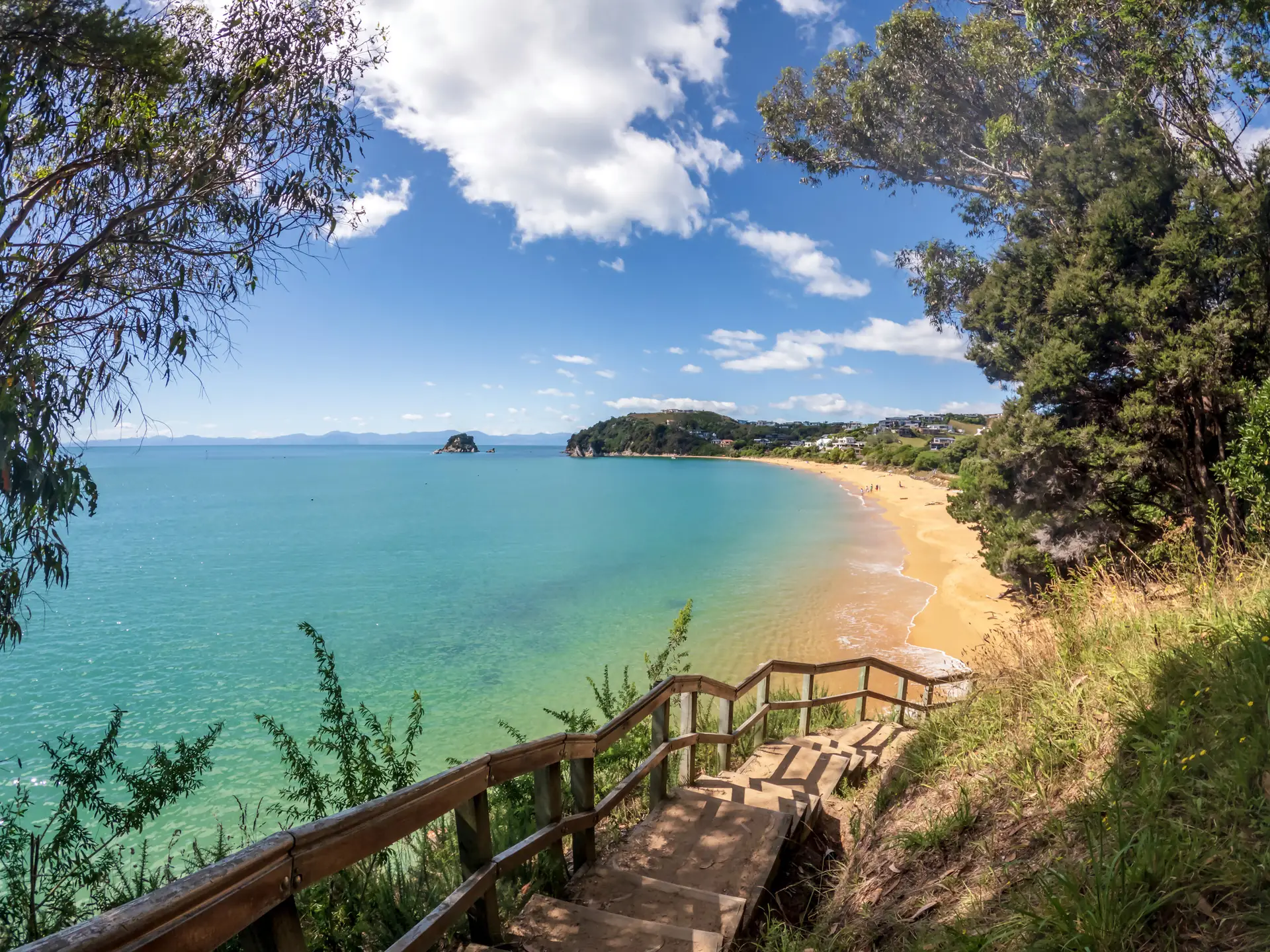
As the Southern Hemisphere heats up, New Zealand transforms into a summer paradise. From December to February, the country comes alive with vibrant landscapes, outdoor

Looking for a truly unique and luxurious way to explore one of New Zealand’s most stunningdestinations? Silver Wave Yacht Charters offers the perfect combination of
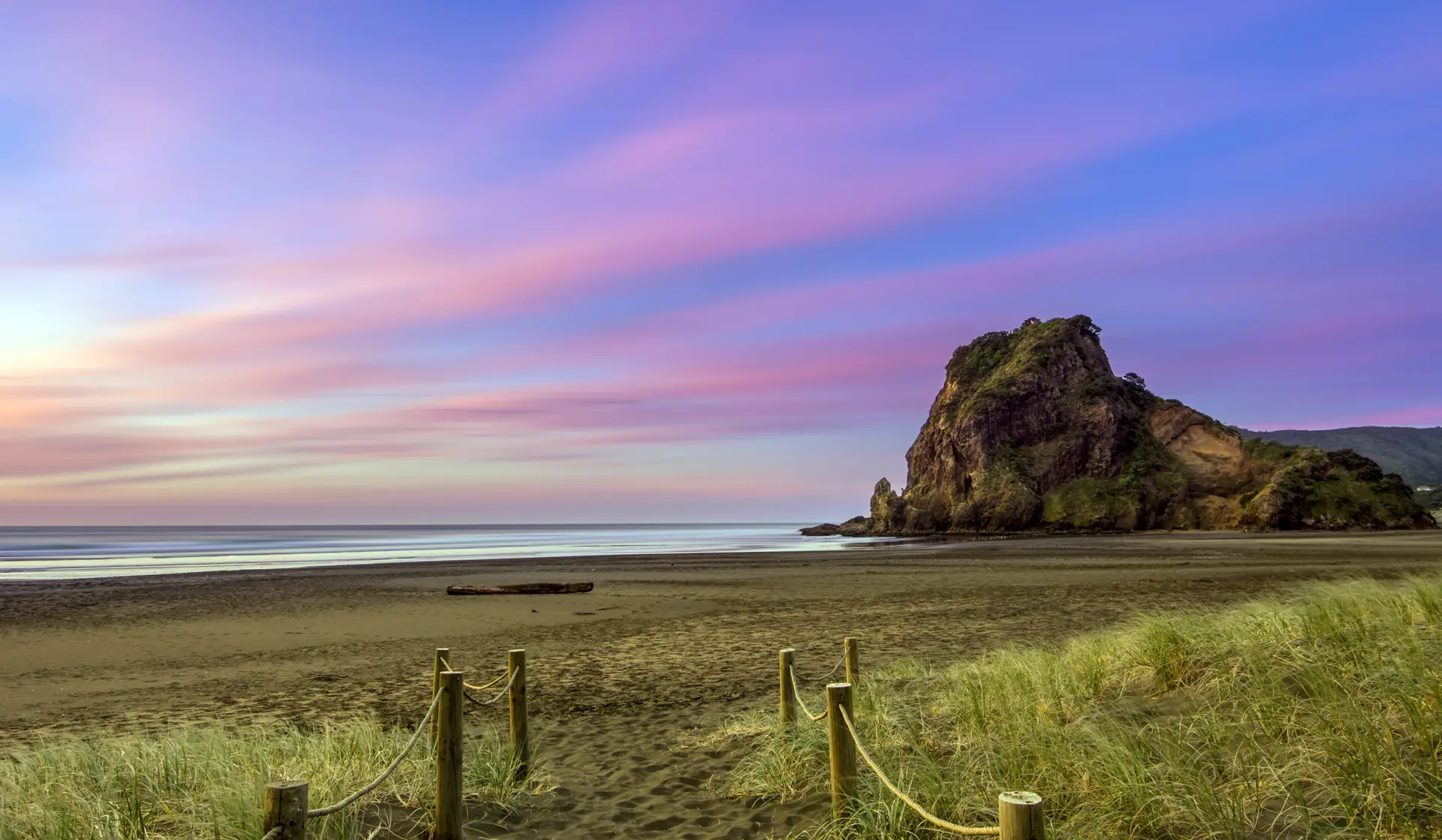
Get ready for an unforgettable beach-hopping road trip across New Zealand’s North Island. Think golden sands, rugged coastlines, and crystal-clear waters. With the freedom to
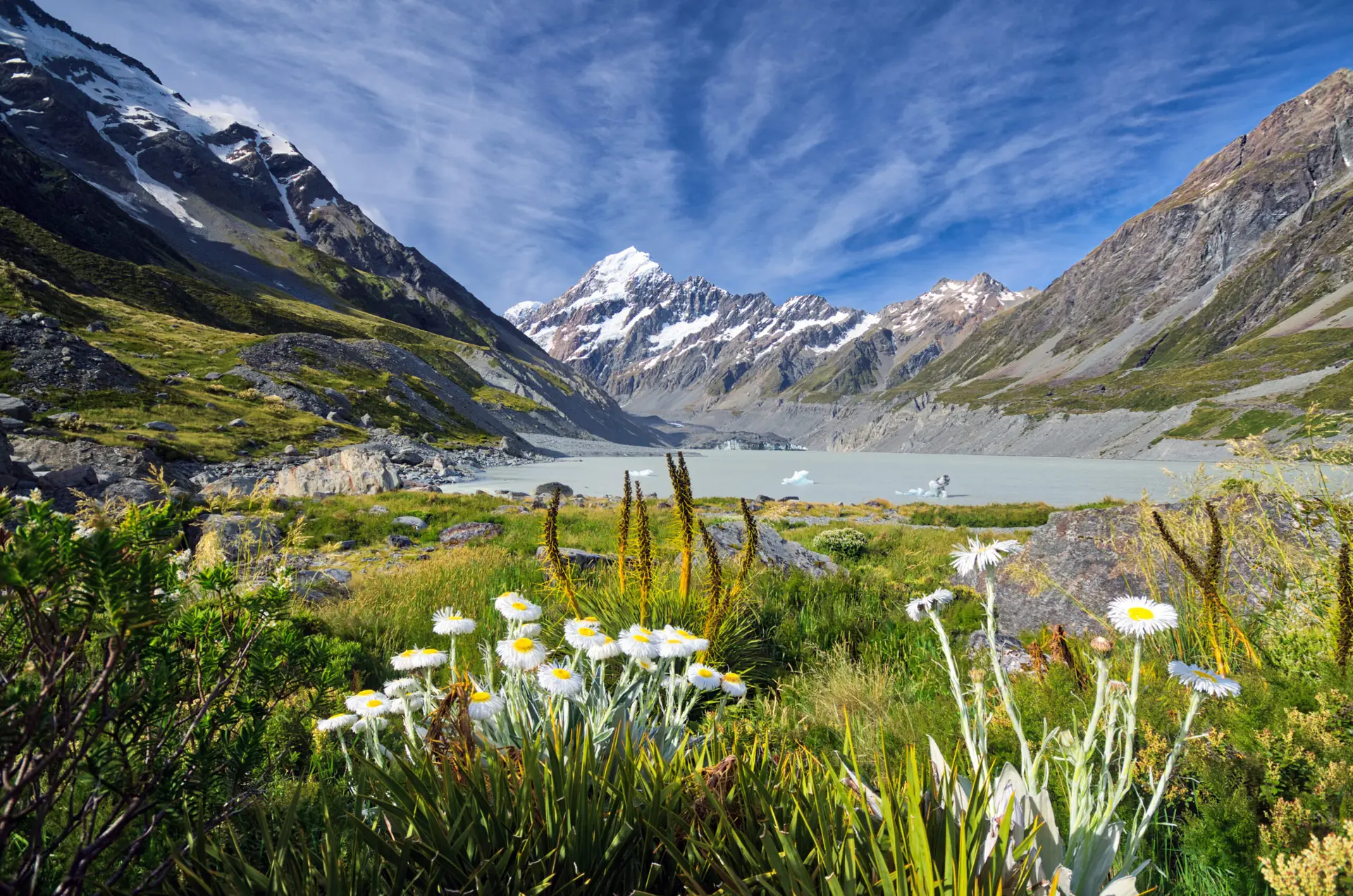
This Christchurch to Mount Cook road trip is one of New Zealand’s most scenic journeys, taking you from the vibrant city of Christchurch through the
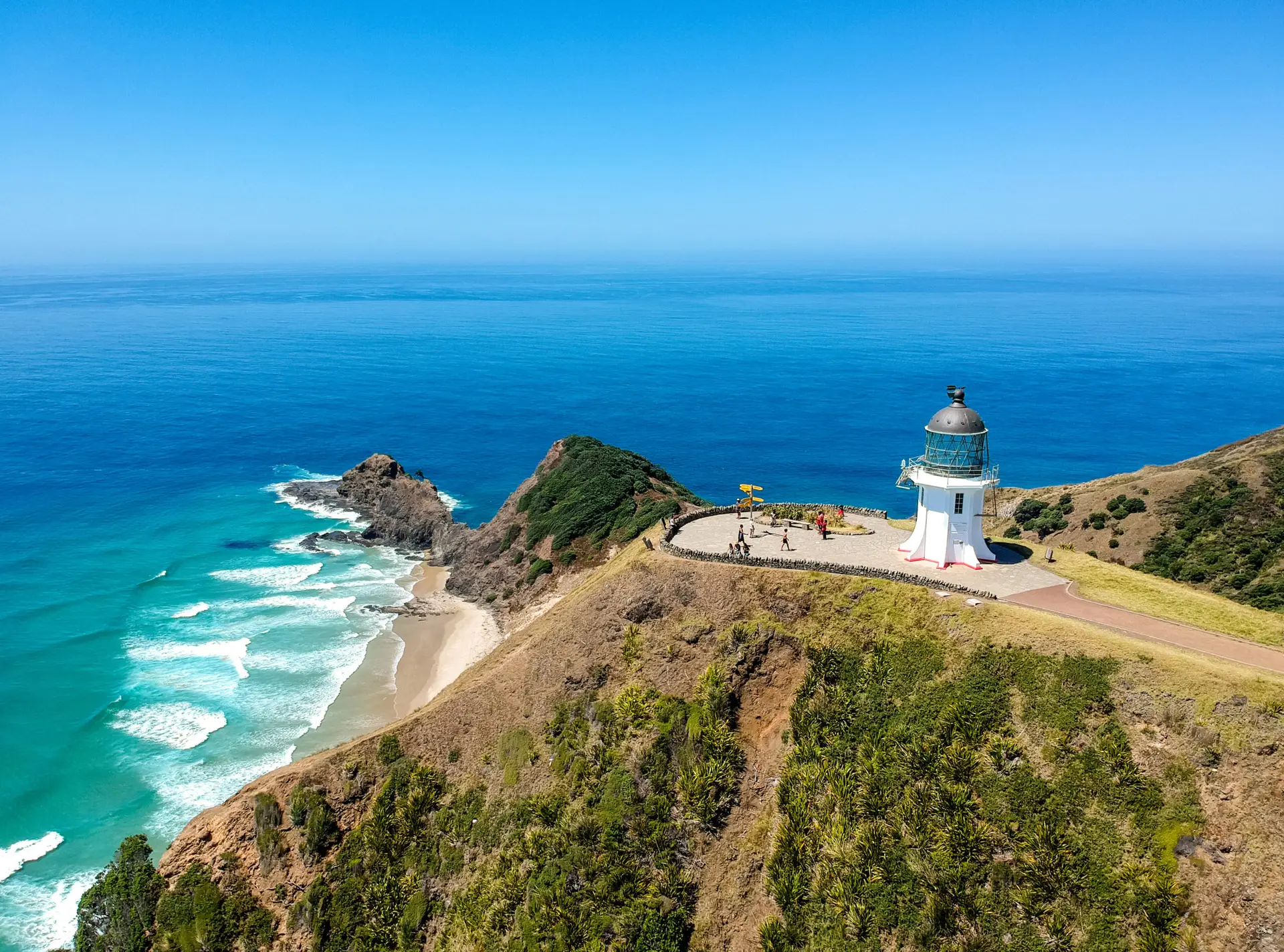
A round trip from Auckland to Cape Reinga is an iconic road trip in New Zealand, taking you from the country’s largest city to its
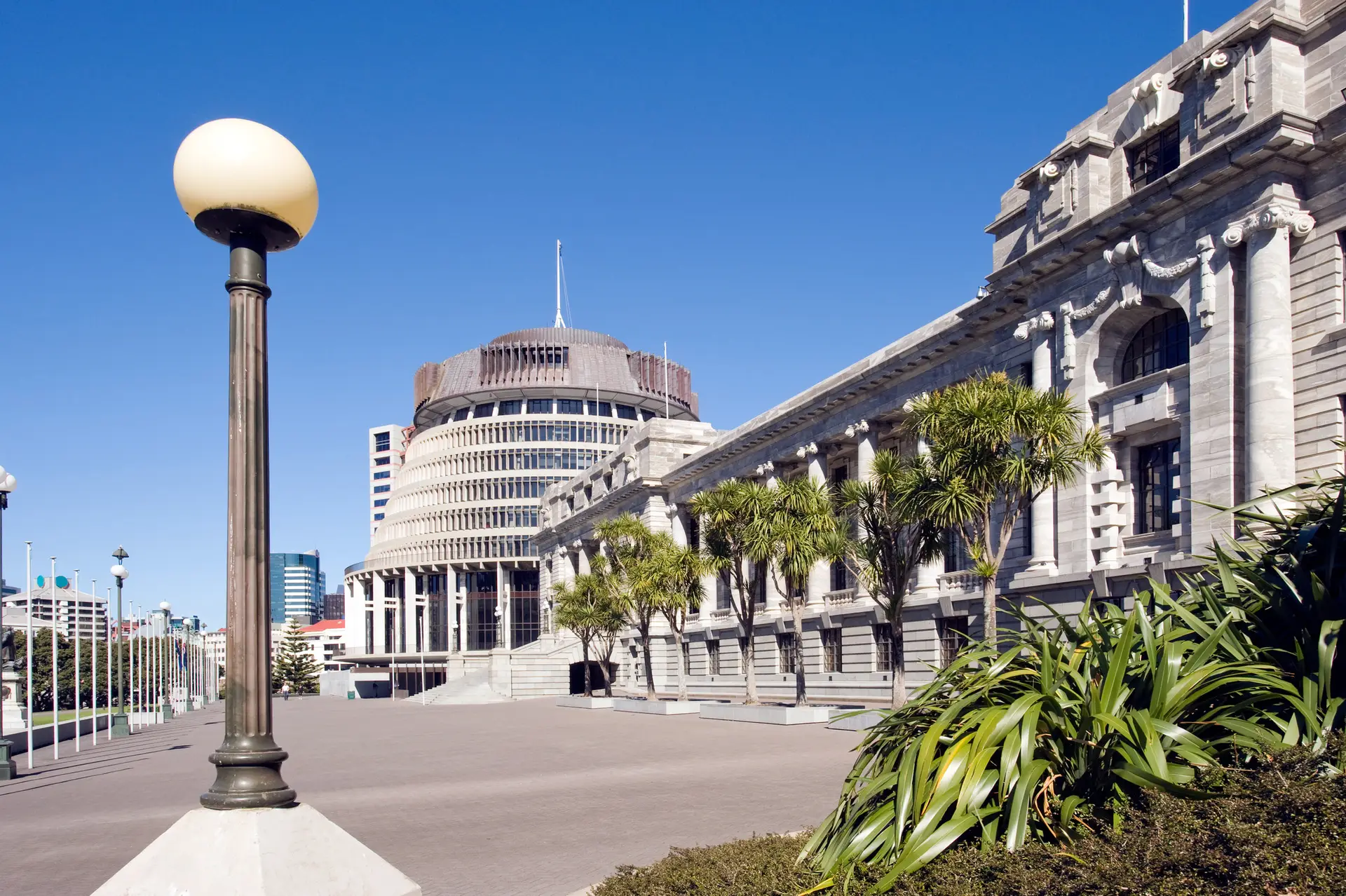
Wellington, New Zealand’s vibrant capital, is a city that effortlessly blends urban sophistication with natural beauty. Known for its lively arts scene, world-class dining, and

Nestled between the Pacific Ocean and the Southern Alps on the South Island, Canterbury offers a stunning array of landscapes, from the golden beaches of
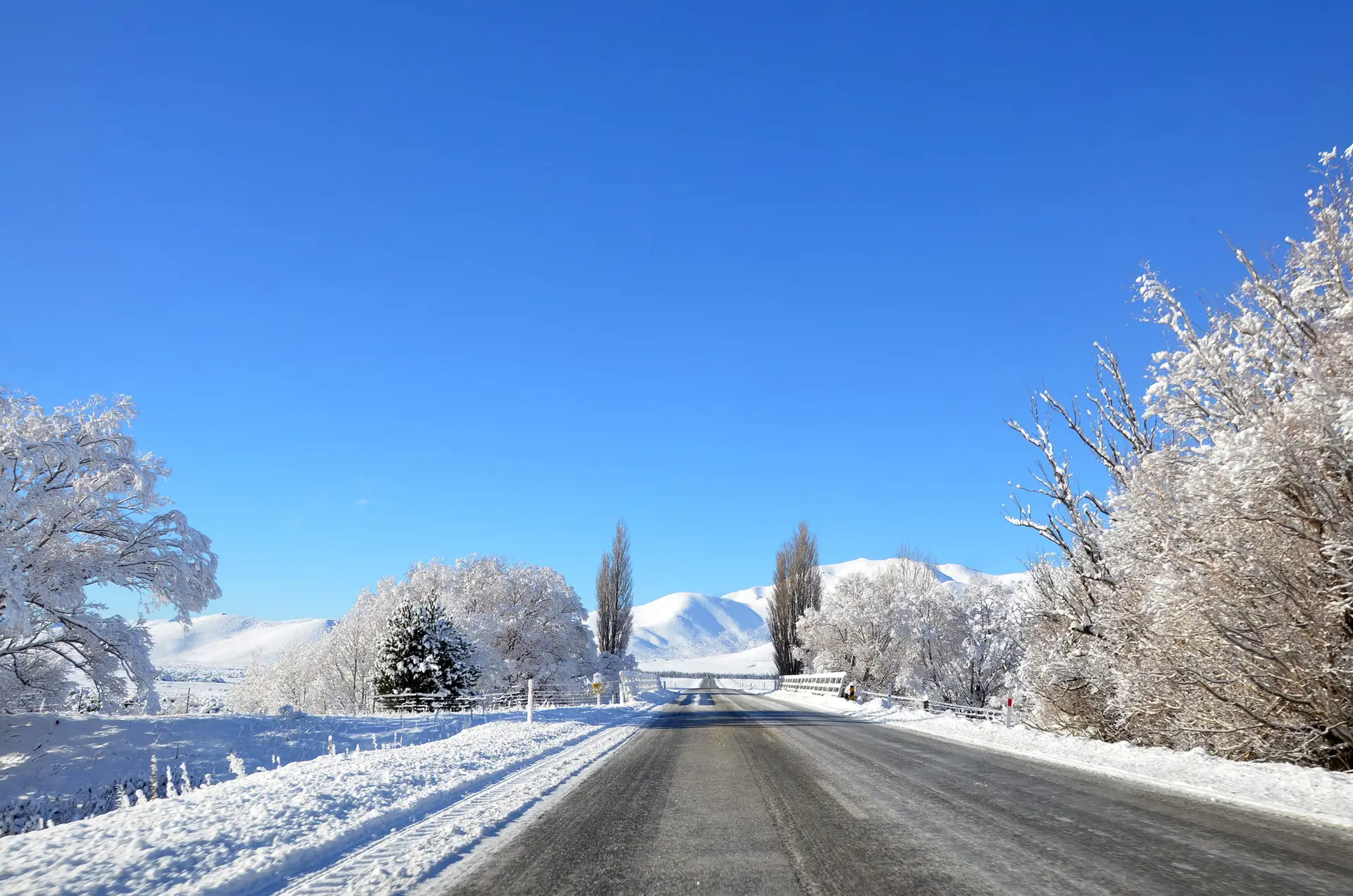
Visiting New Zealand in winter offers a unique and enchanting experience that reveals a different side of this beautiful country. With fewer crowds, clear skies

Queenstown is located on the South Island of New Zealand. Nestled on the shores of the stunning Lake Wakatipu and surrounded by the dramatic Southern
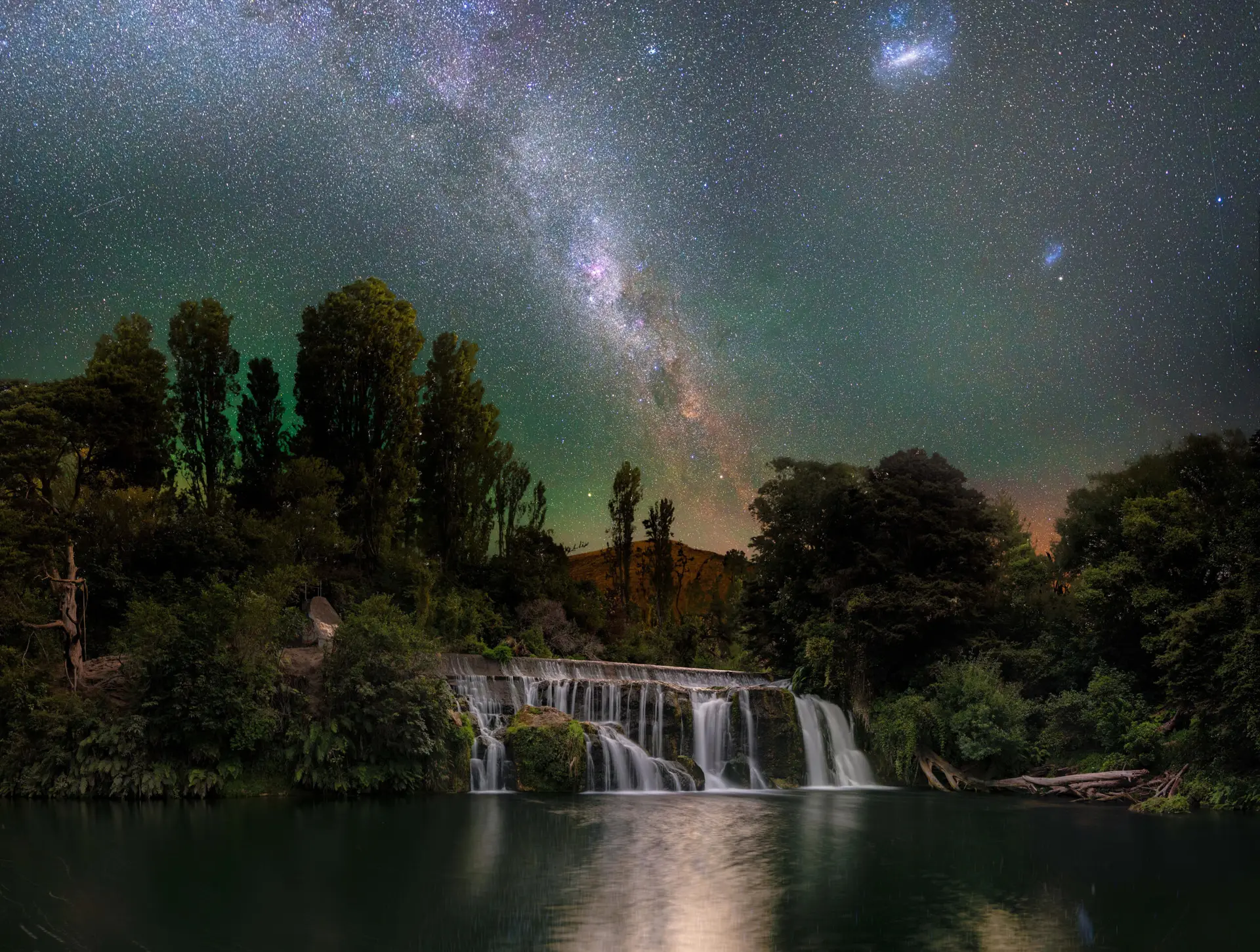
Winter is ideal for stargazing due to colder temperatures, longer nights and lower humidity resulting in clearer views. Enjoy a memorable stargazing experience under the
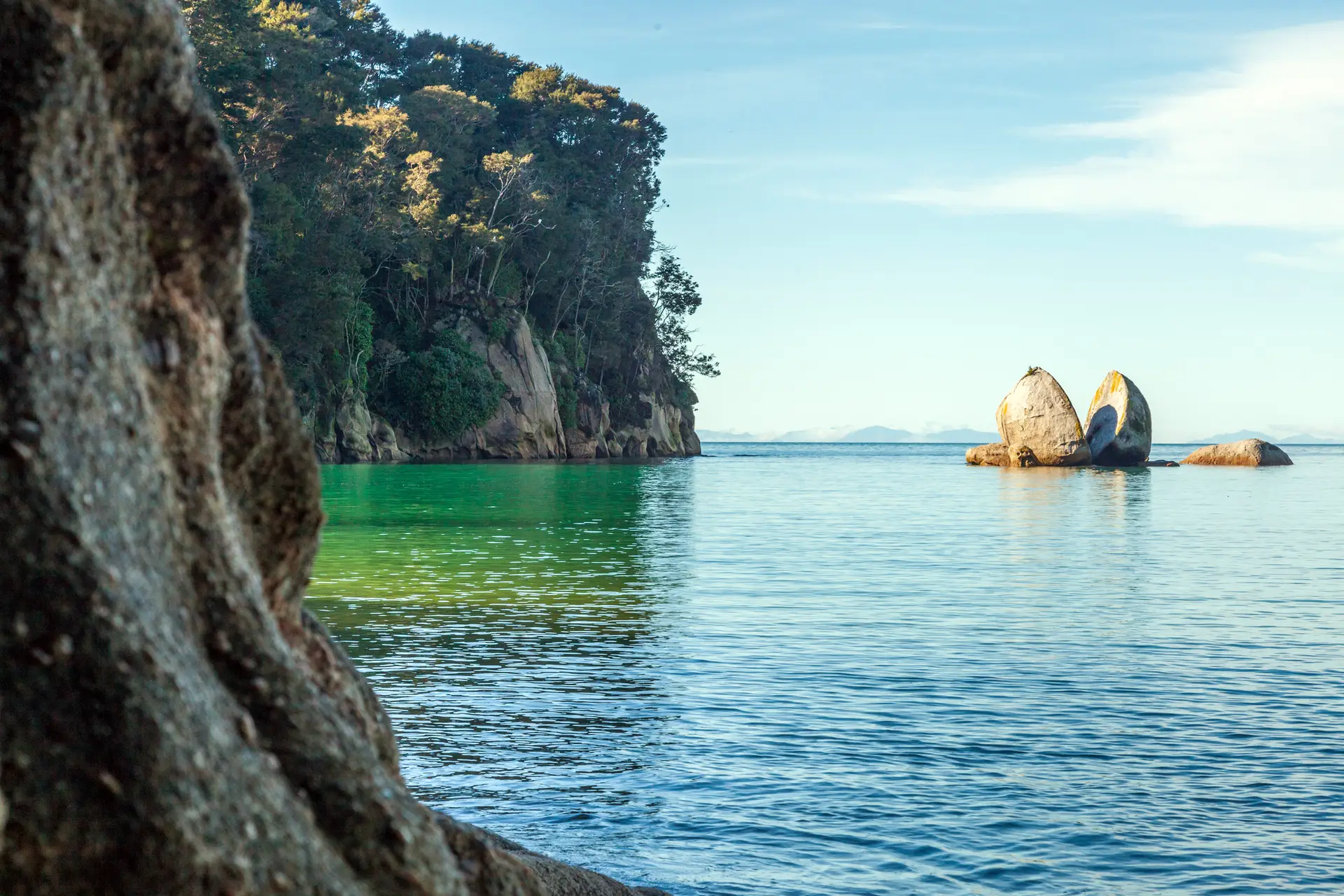
The Abel Tasman region, including Golden Bay, captivates with its golden beaches, clear waters, and lush forests, promising an unforgettable journey through one of New
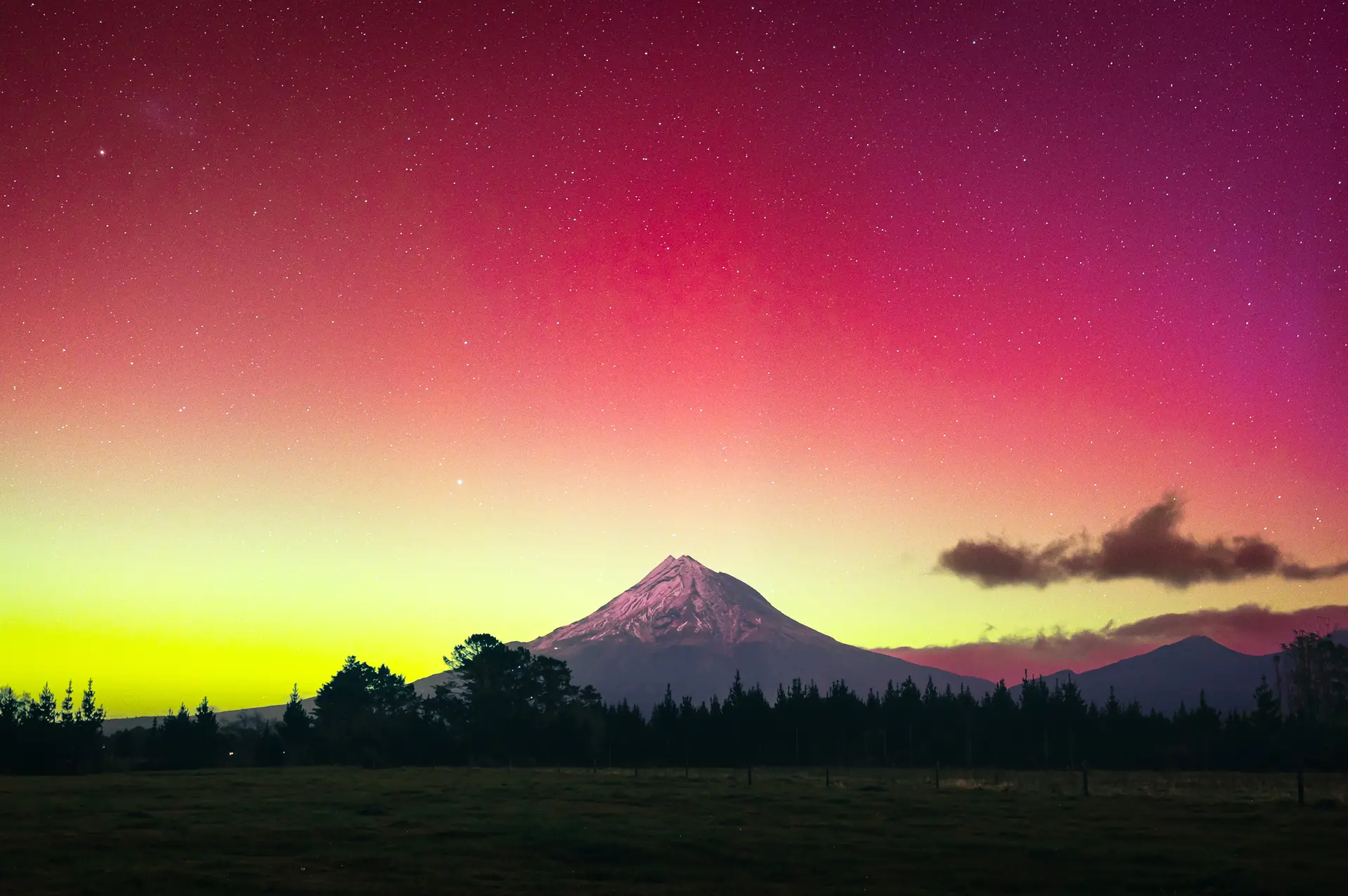
Photo credit: Dual Peaks Photography Located on the west coast of NZ’s North Island, Taranaki is an affordable place to visit year-round. Overlooked by Mt
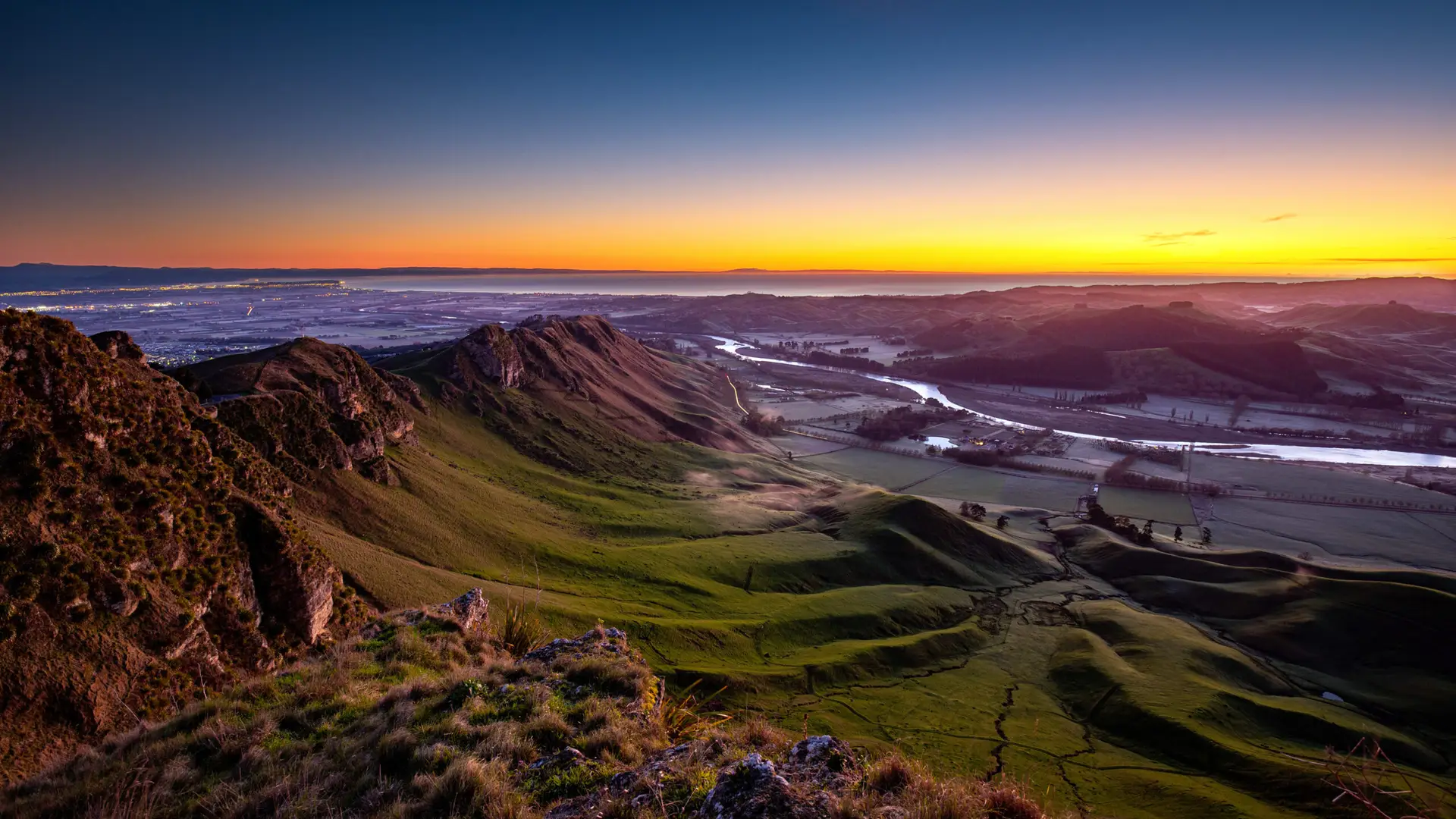
Nestled on the East Coast of NZ’s North Island, the Hawke’s Bay is a great year-round destination. Explore sun-kissed vineyards, rugged coastlines, and vibrant communities
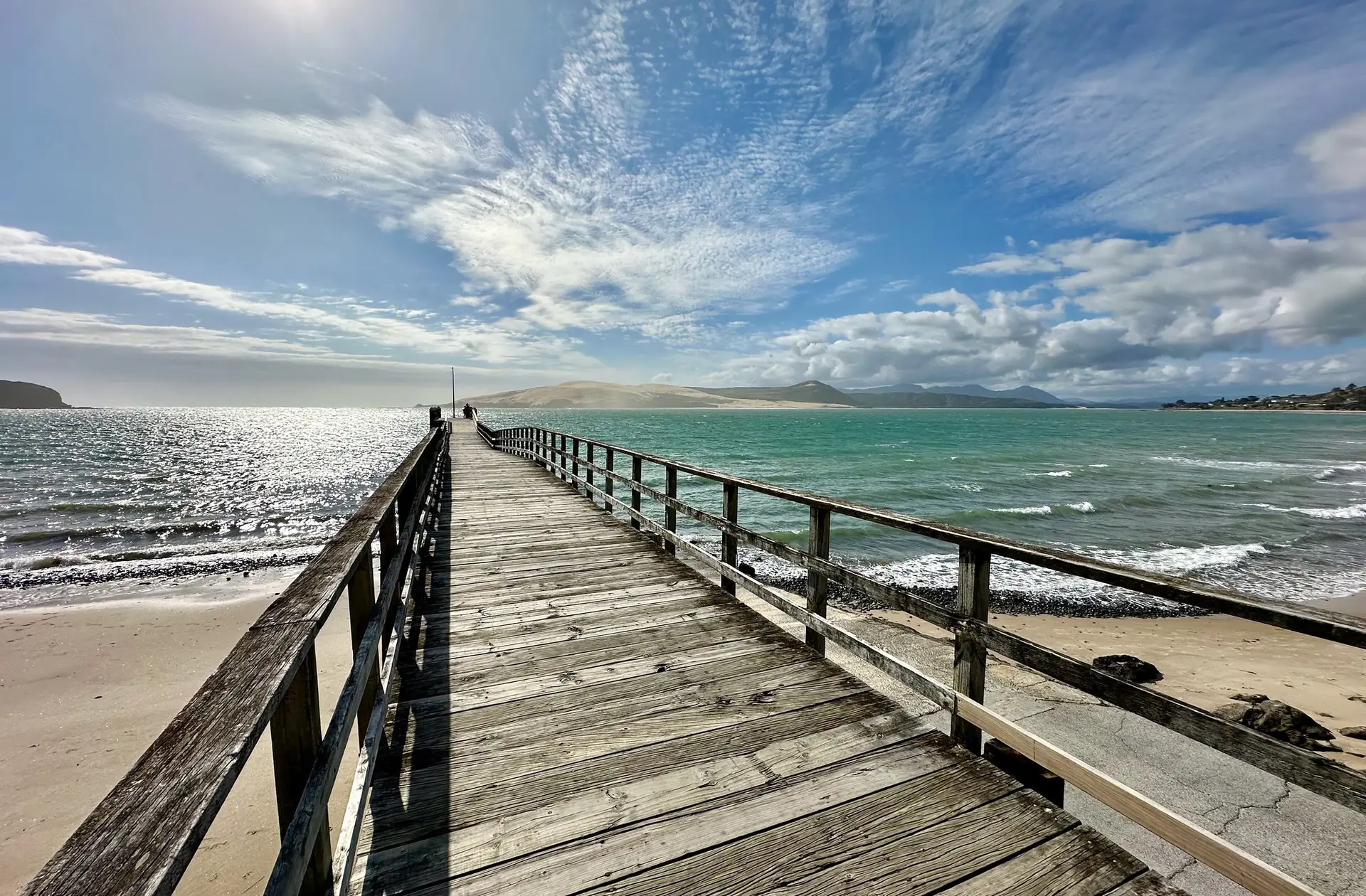
Plan a budget-friendly holiday in New Zealand and make the most of your trip while keeping costs down. Follow these travel tips for an affordable

The West Coast of the South Island is renowned for its rugged beauty and stunning landscapes. The region offers a perfect blend of natural beauty,

Places to Visit in New Zealand During Summer Spending the summer in New Zealand offers plenty of unforgettable experiences due to the country’s stunning landscapes

As a picturesque island nation, New Zealand has an abundance of boating options to choose from. There are vast stretches of coastline just waiting to
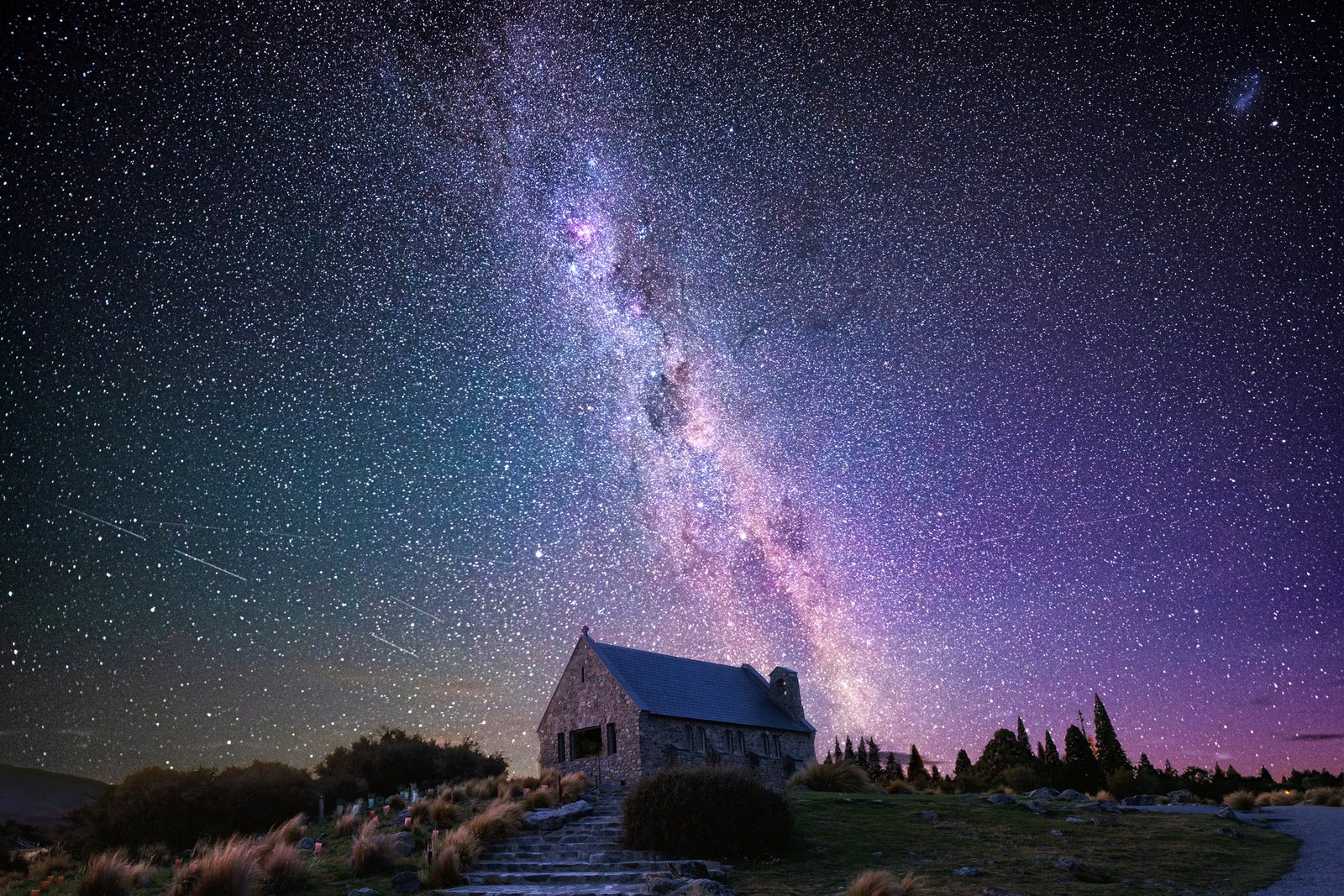
New Zealand has some of the clearest night skies in the world. With the combination of deep, unobstructed skies, distinct celestial characteristics, and surreal landscapes
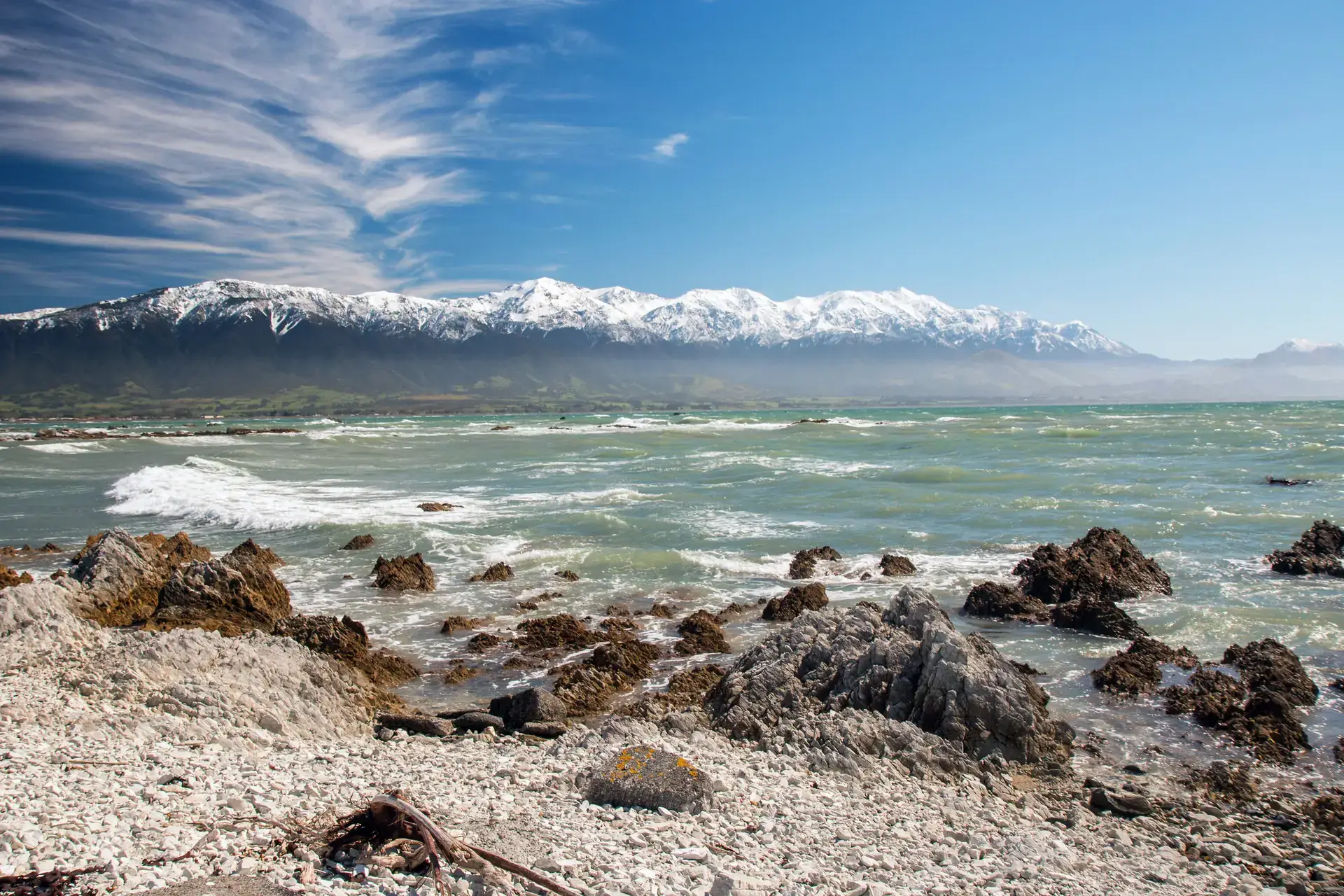
Kaikōura is a charming coastal town in NZ’s South Island, offering marine life encounters, scenic coastal walks, delicious local seafood and amazing accommodation options. Explore
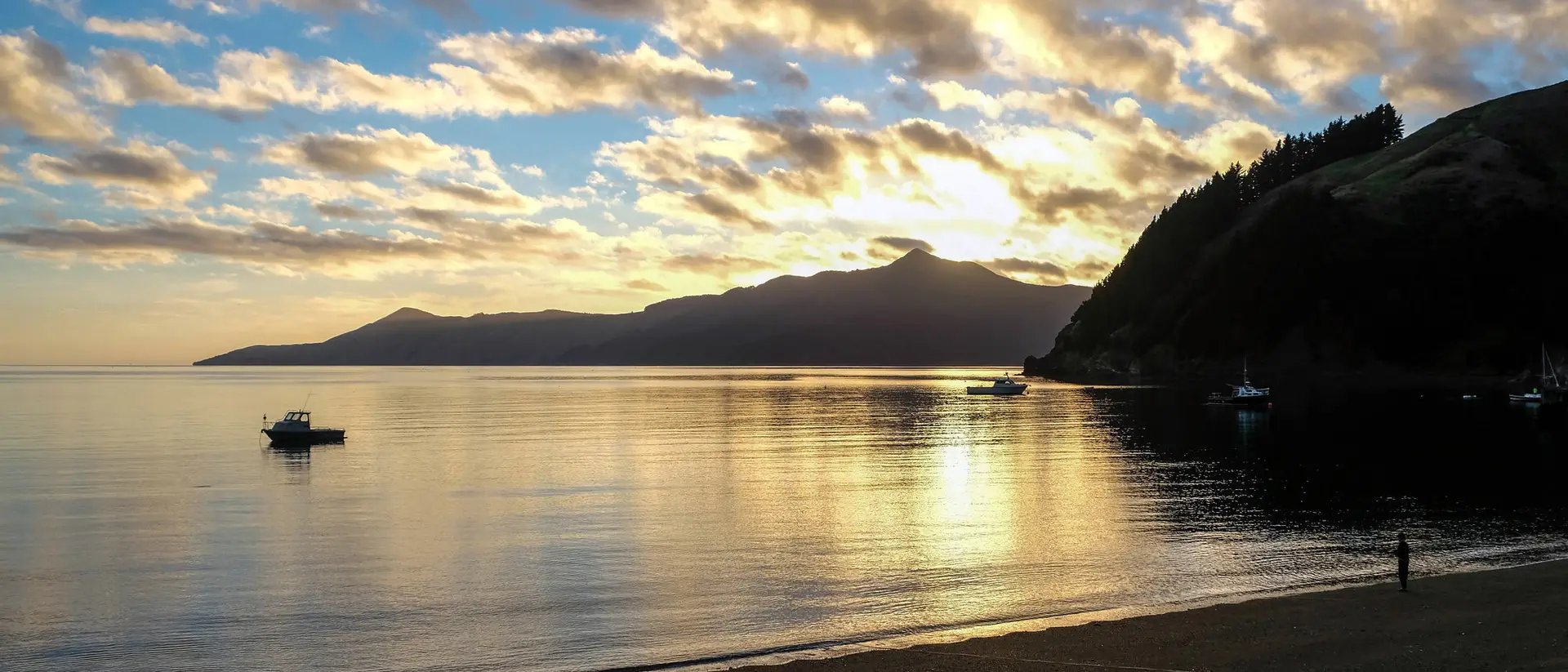
Marlborough isn’t just known for its fresh seafood, award-winning wines, craft breweries, and stunning sheltered bays. Beyond these unique highlights, the region boasts a laid-back
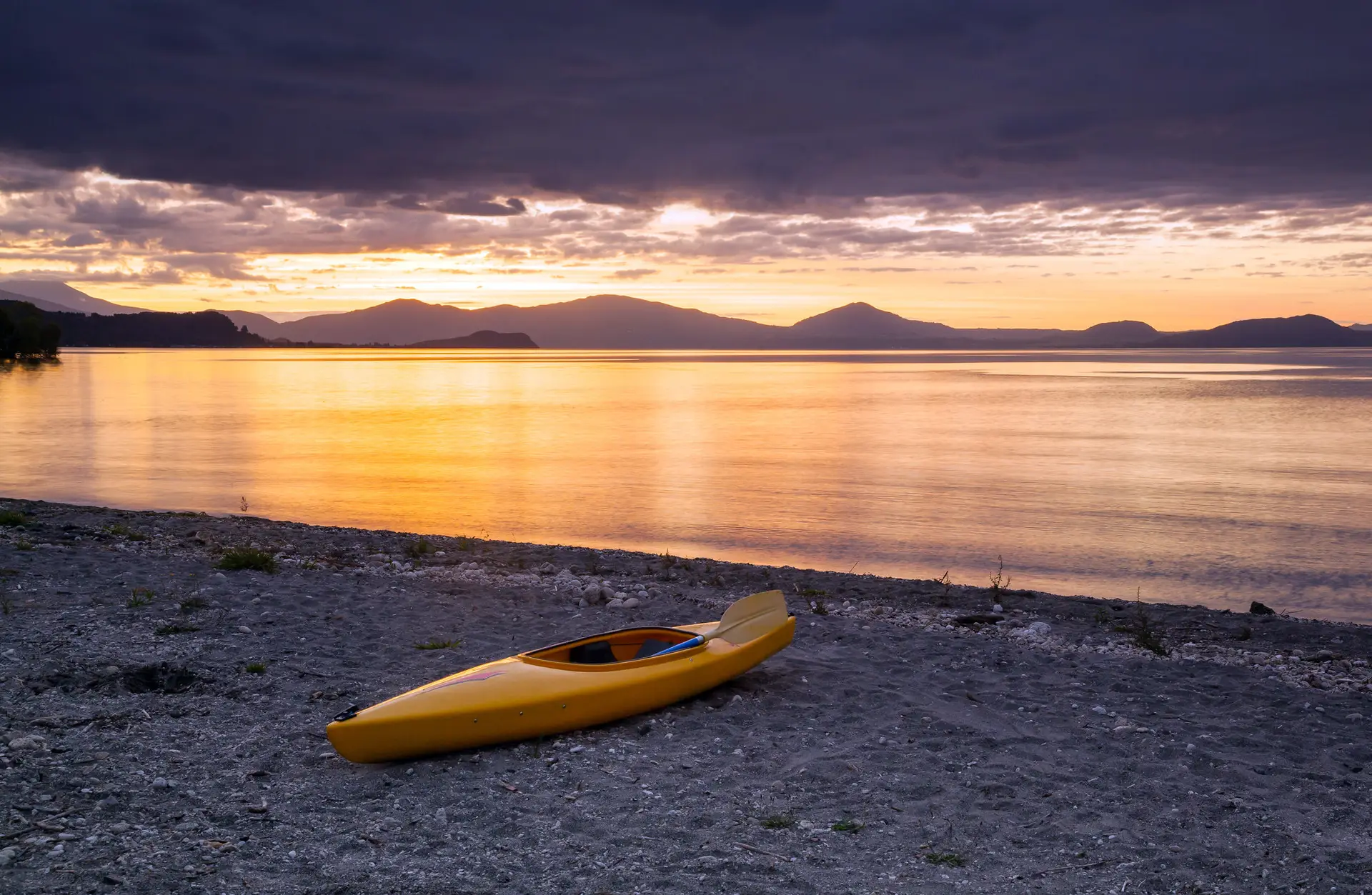
Located in the centre of NZ’s North Island, the Taupō region is an easily accessible holiday spot. Home to stunning scenery, amazing sunsets, natural hot
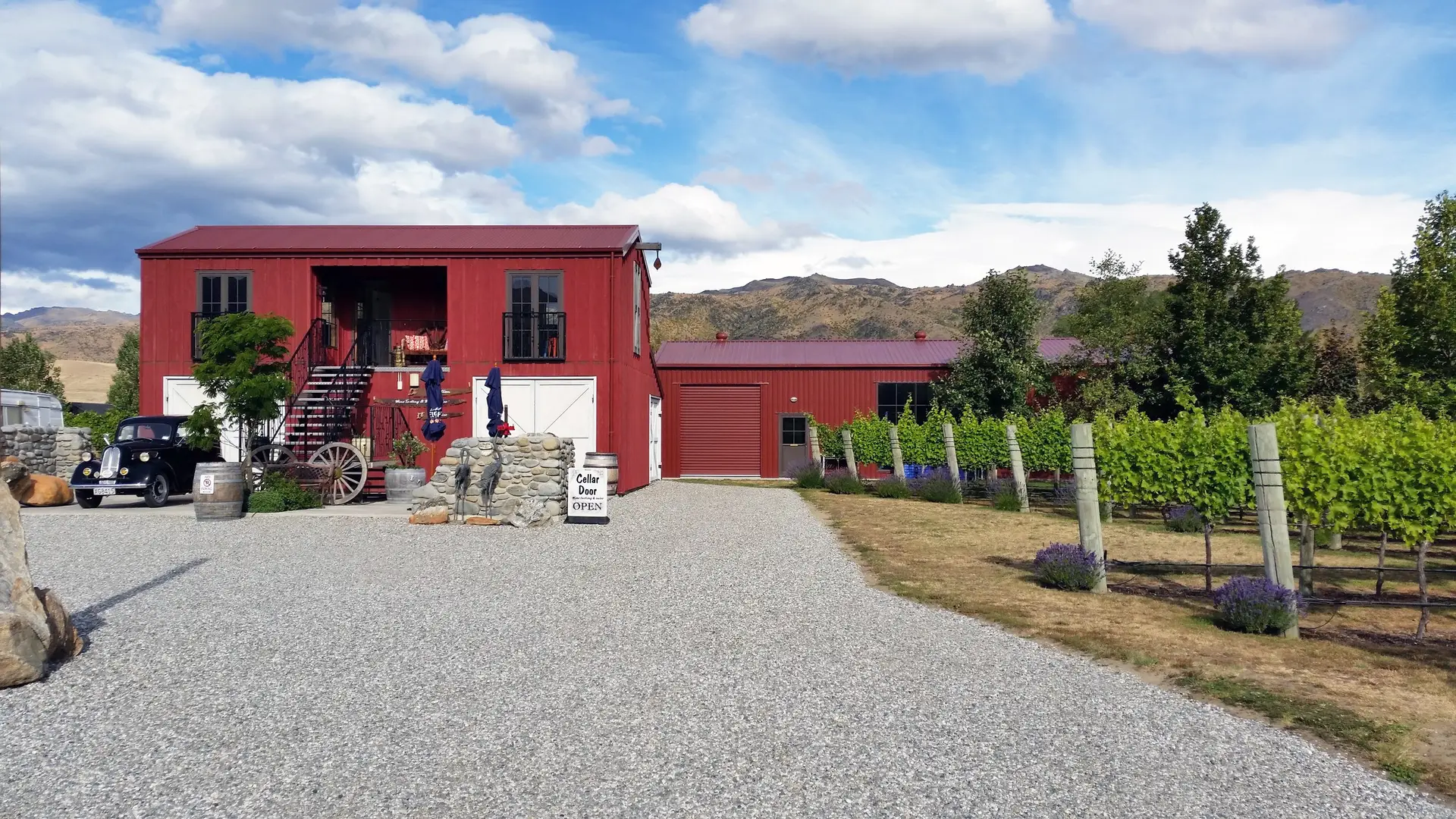
New Zealand is known for its excellent wine and diverse cuisine, making it a fantastic destination for wine and food tours. Whether you’re interested in
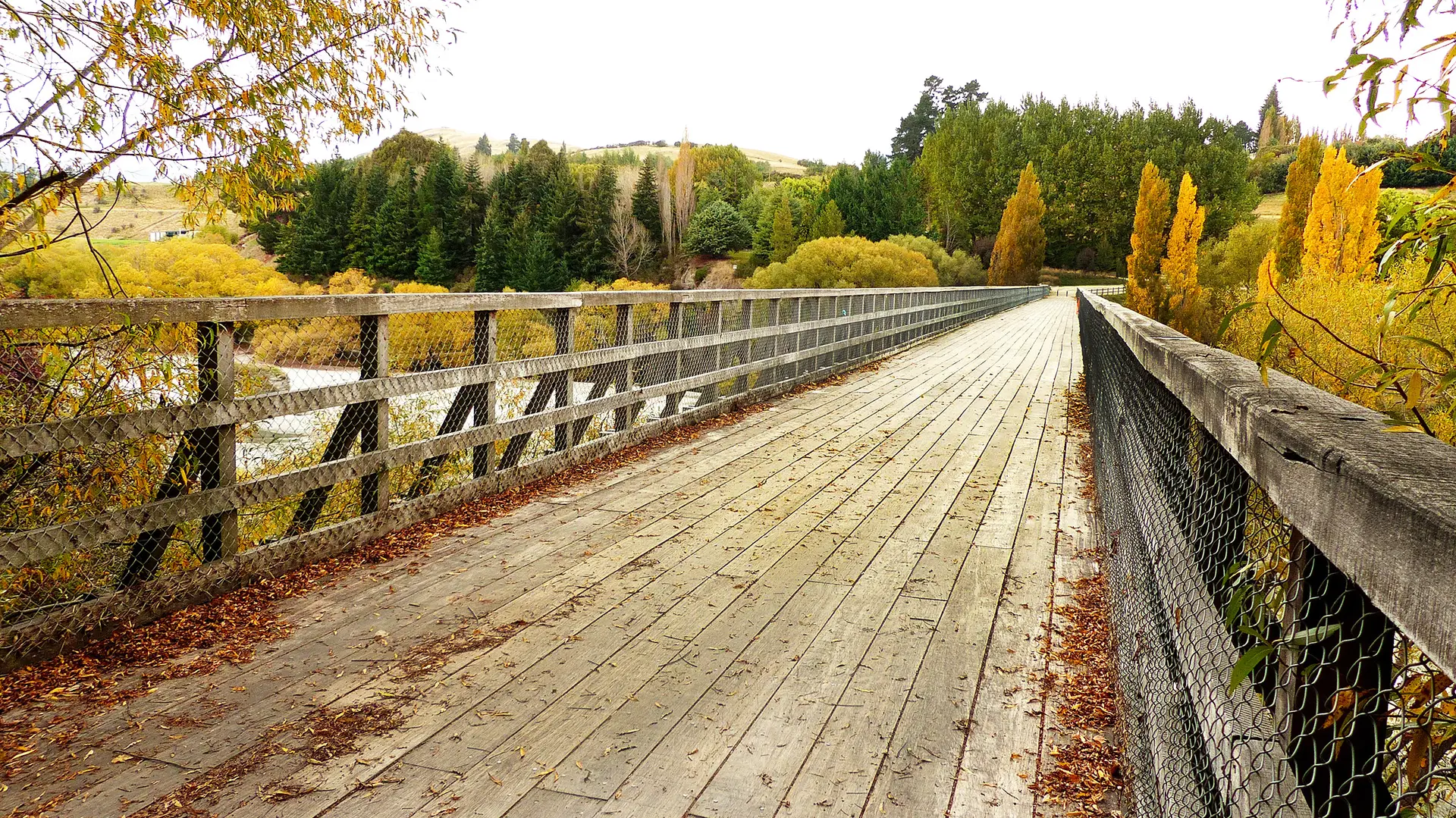
Explore New Zealand by walking, hiking, and biking, and experience the country’s renowned network of exceptional trails. Immerse yourself in breathtaking scenery, spanning from rugged
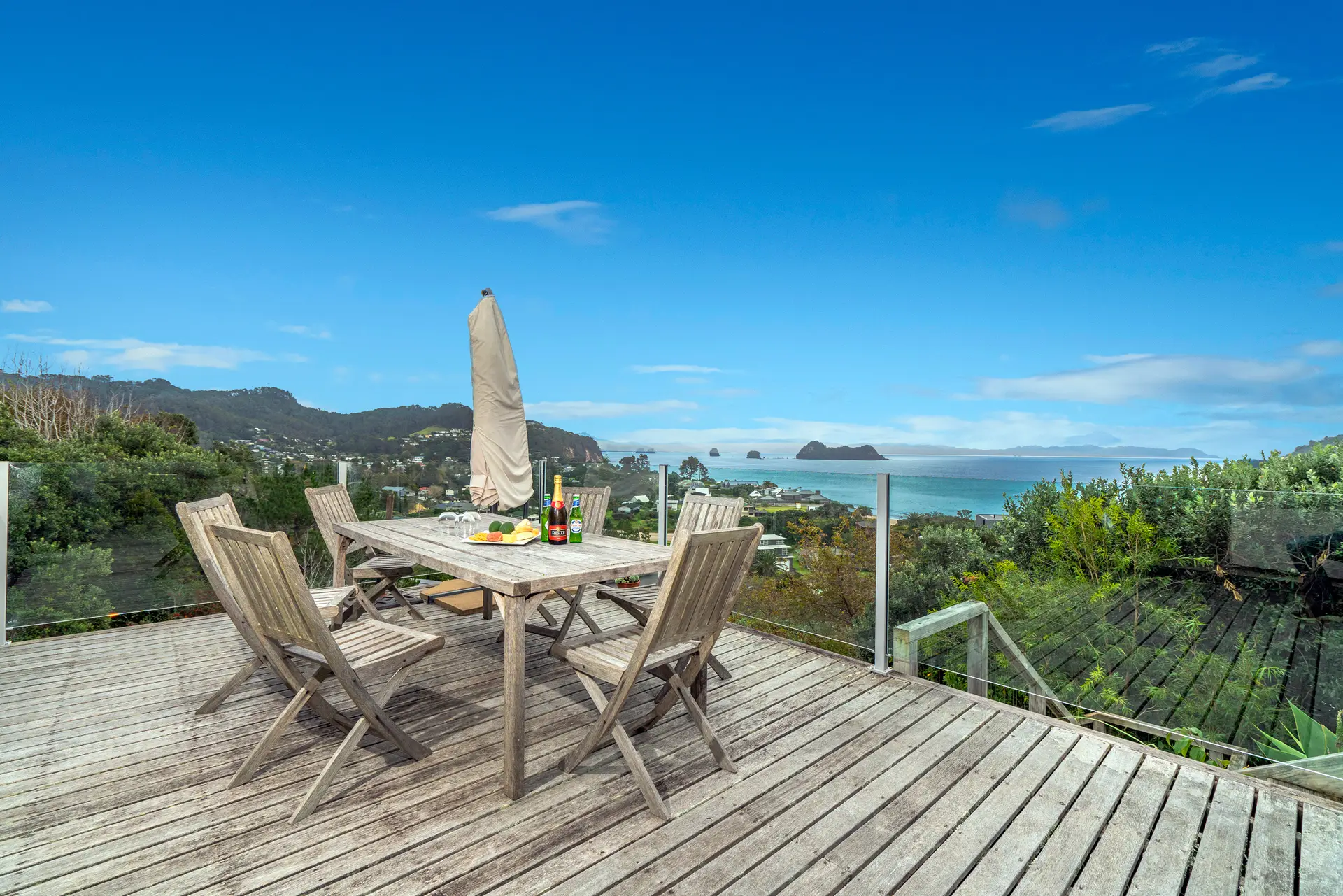
The Coromandel Peninsula is a great holiday destination to relax, unwind, and enjoy the slower pace of life. Known for its lush forests, pristine beaches,
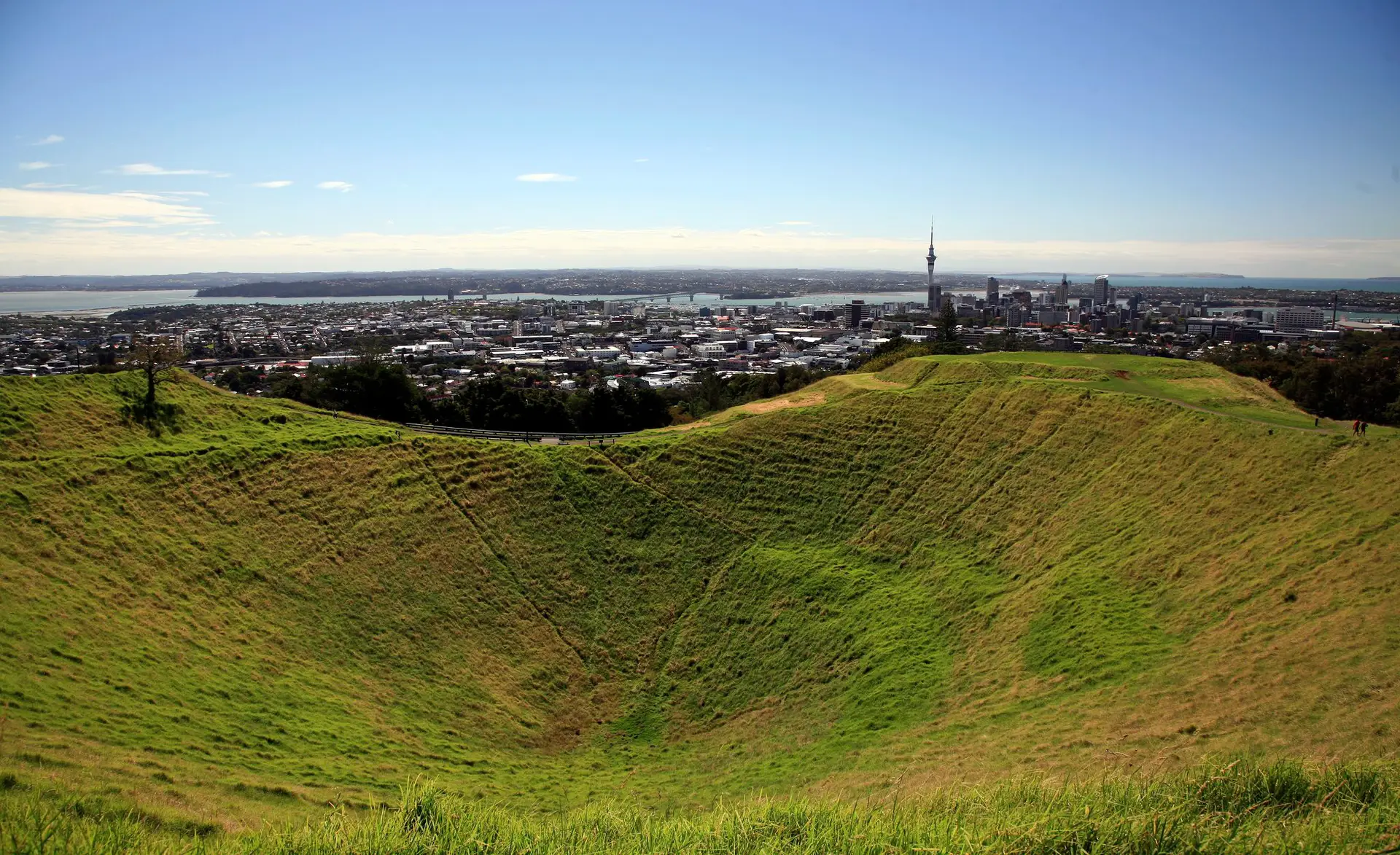
Discover the diversity and beauty of Auckland and explore NZ’s largest city. With over 50 unique beaches to visit, stunning regional parks, sparkling harbours, gardens,
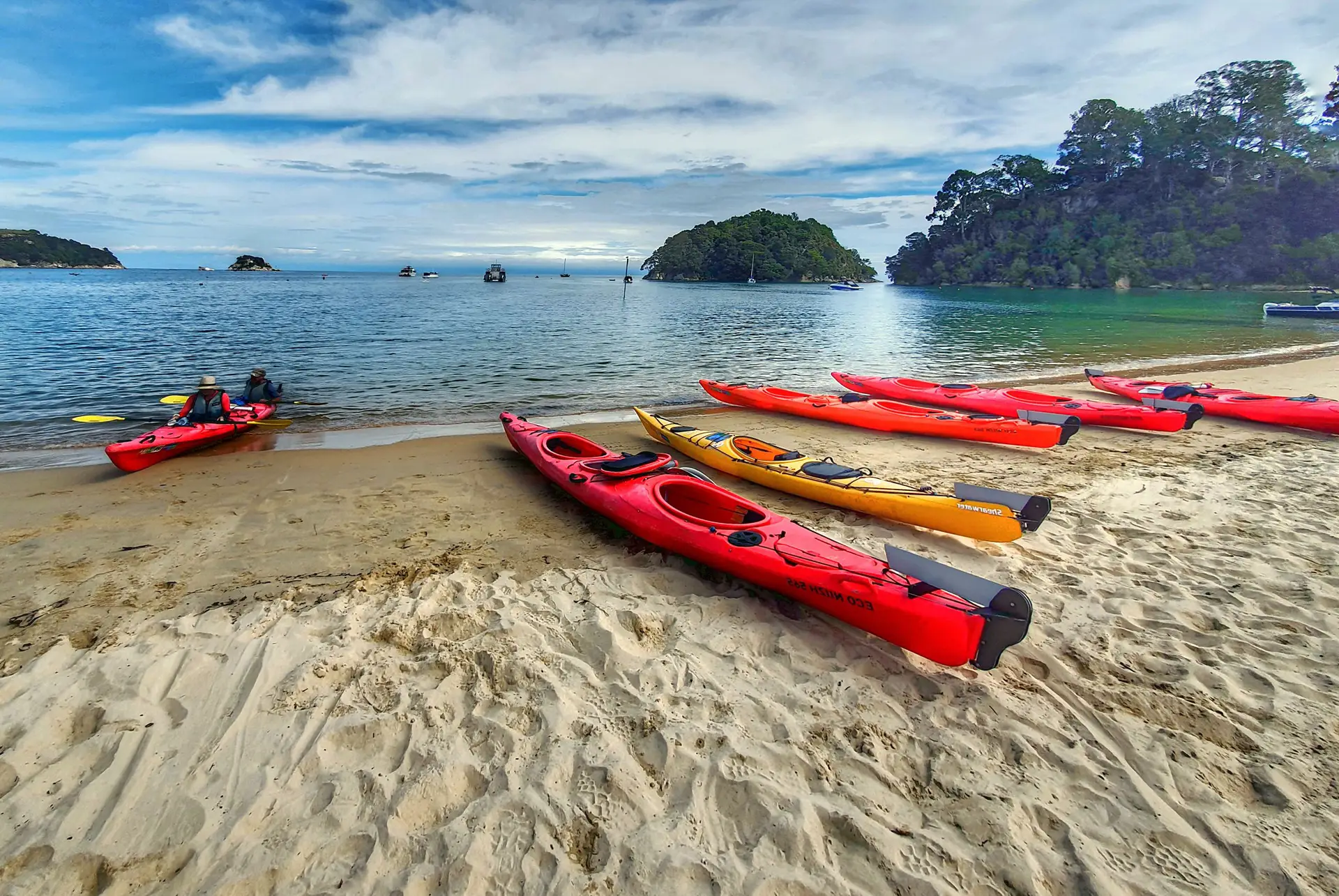
Home to 3 national parks, 2 marine reserves and golden coastlines, visit the Tasman region to enjoy stunning natural landscapes, outdoor adventures, local arts, hiking,
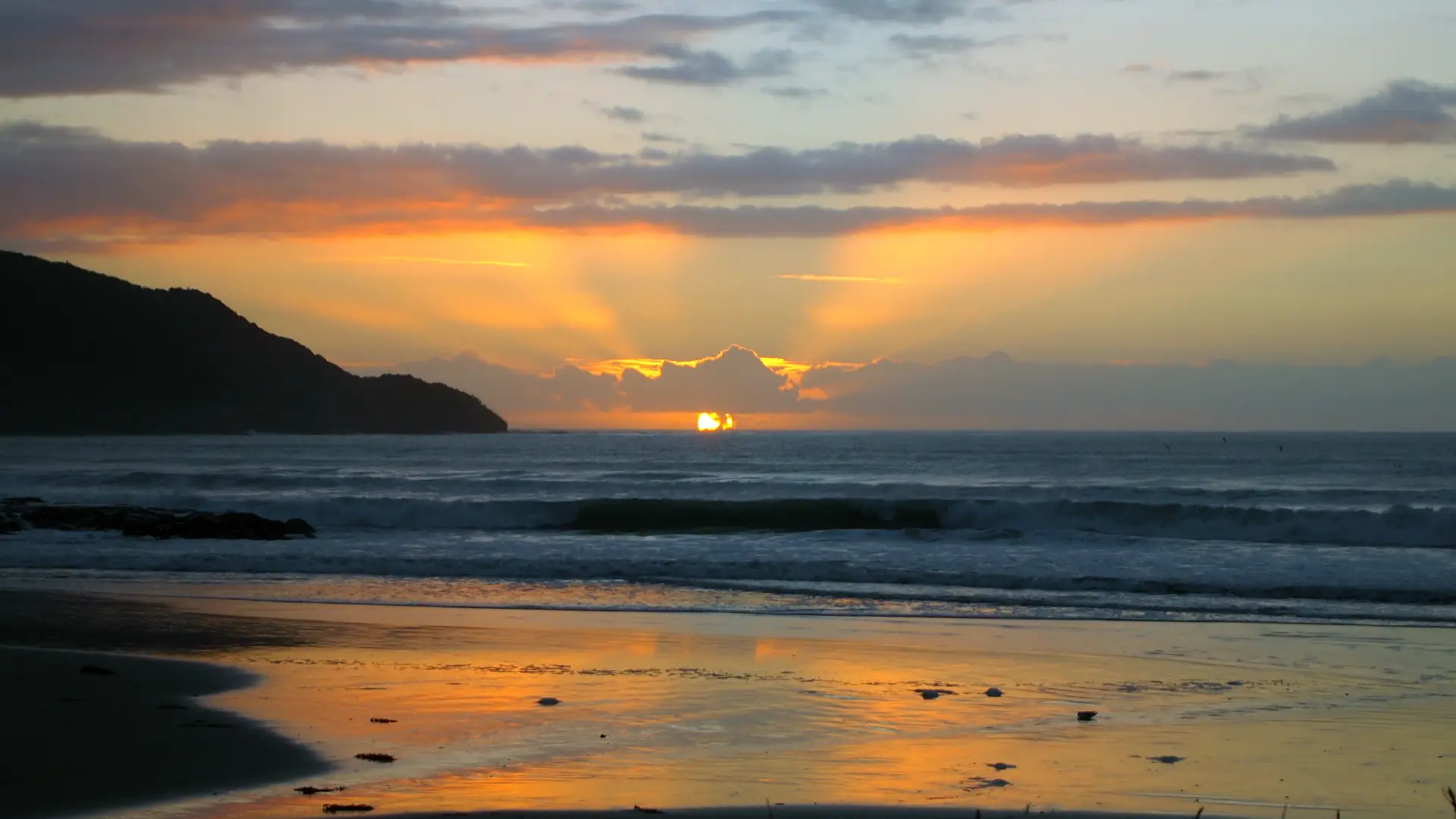
Escape the crowds to the subtropical climate of the Winterless North. Known for white sandy beaches, lush forest parks, unique attractions and accommodation, Northland is

Rotorua has a lot to offer for a small city. The region has stunning scenery, 18 lakes, culture, adventure, and some incredible action-packed activities. With
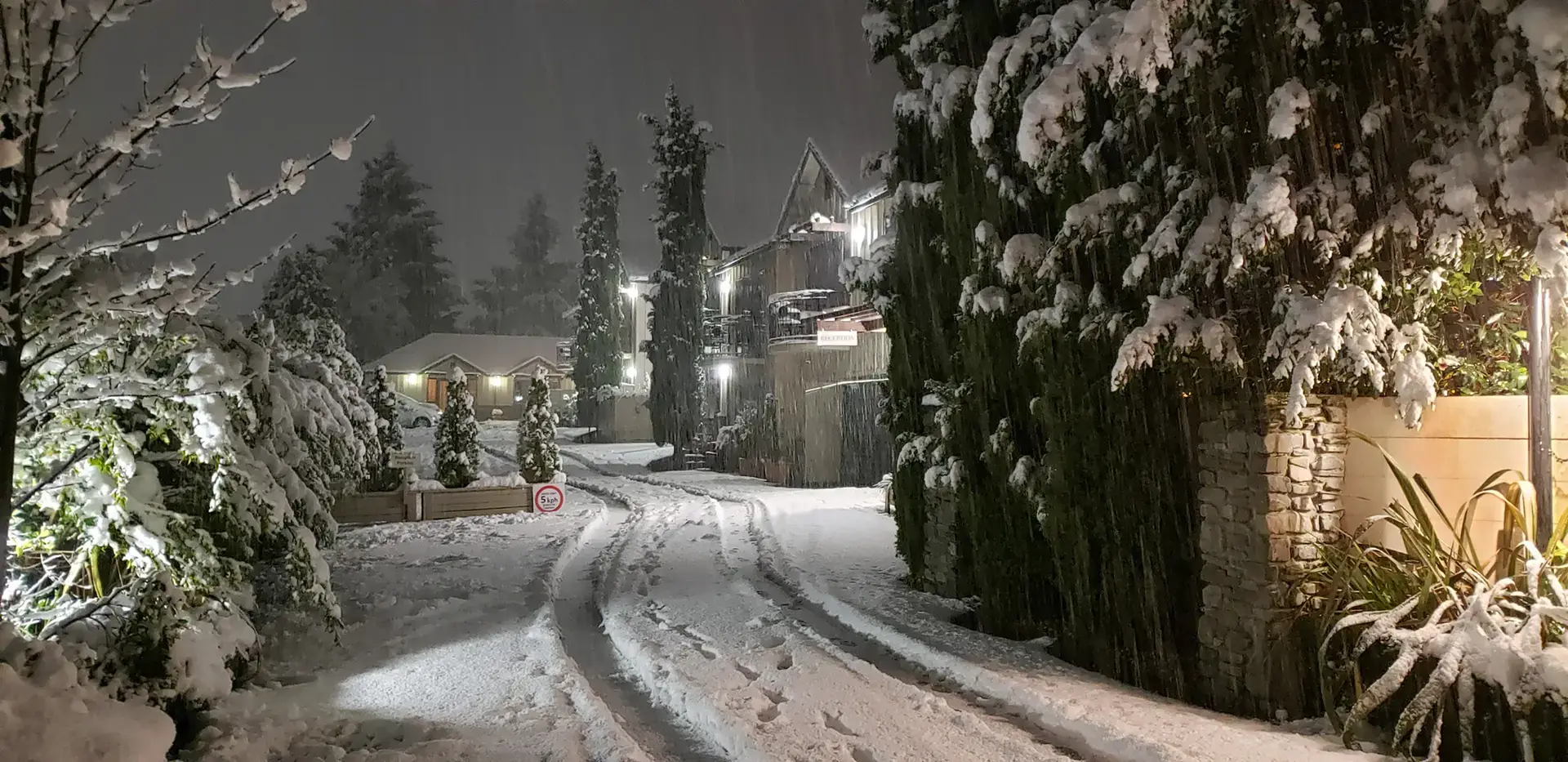
There is nothing like a snowy scene in New Zealand during the winter months. Many towns around the country enjoy snowfall right on their doorsteps.
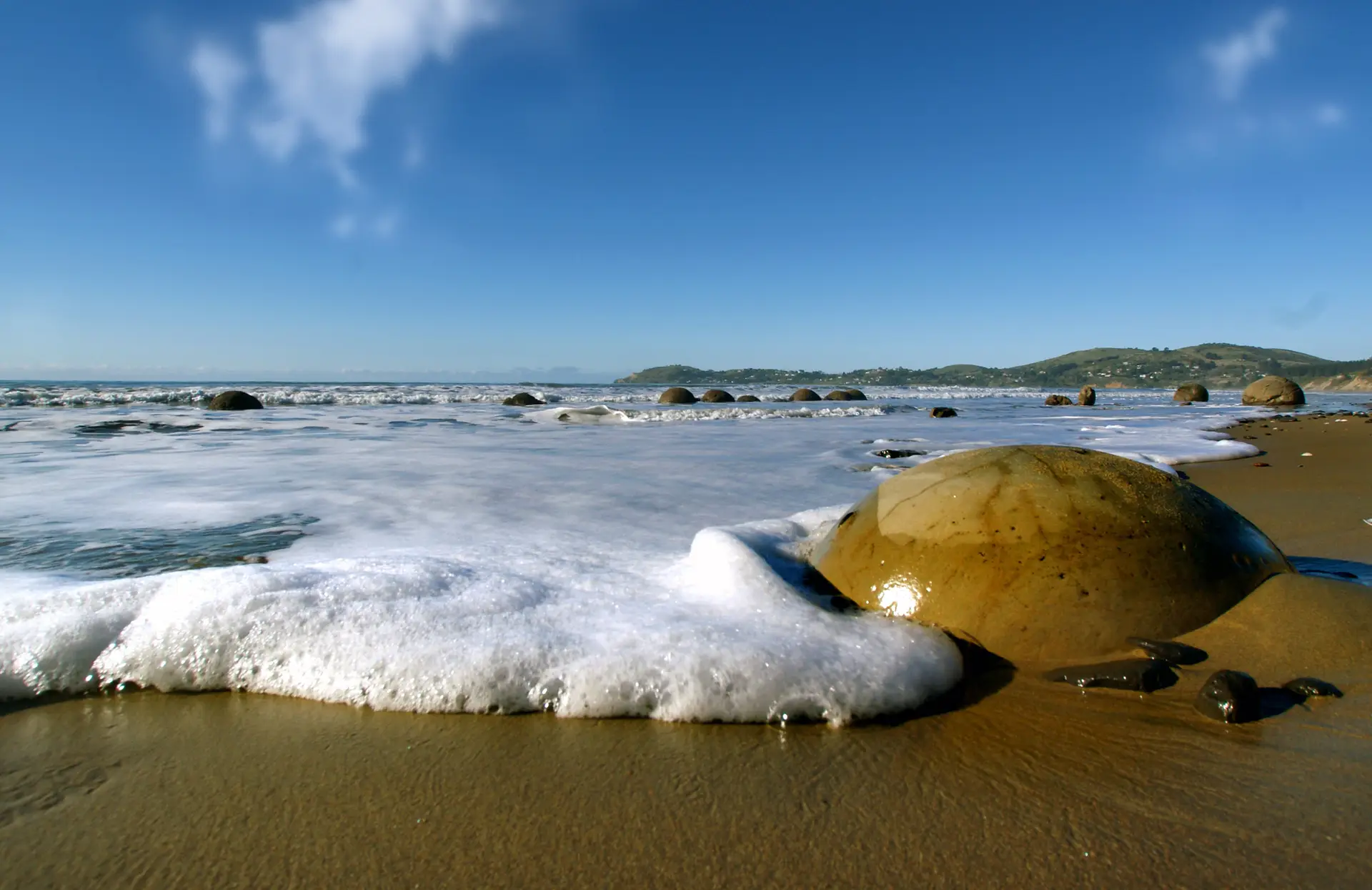
Experience the beauty of Oamaru and Waitaki’s natural geological marvels, historic treasures, and iconic photo ops. Explore the many small towns and settlements, each with
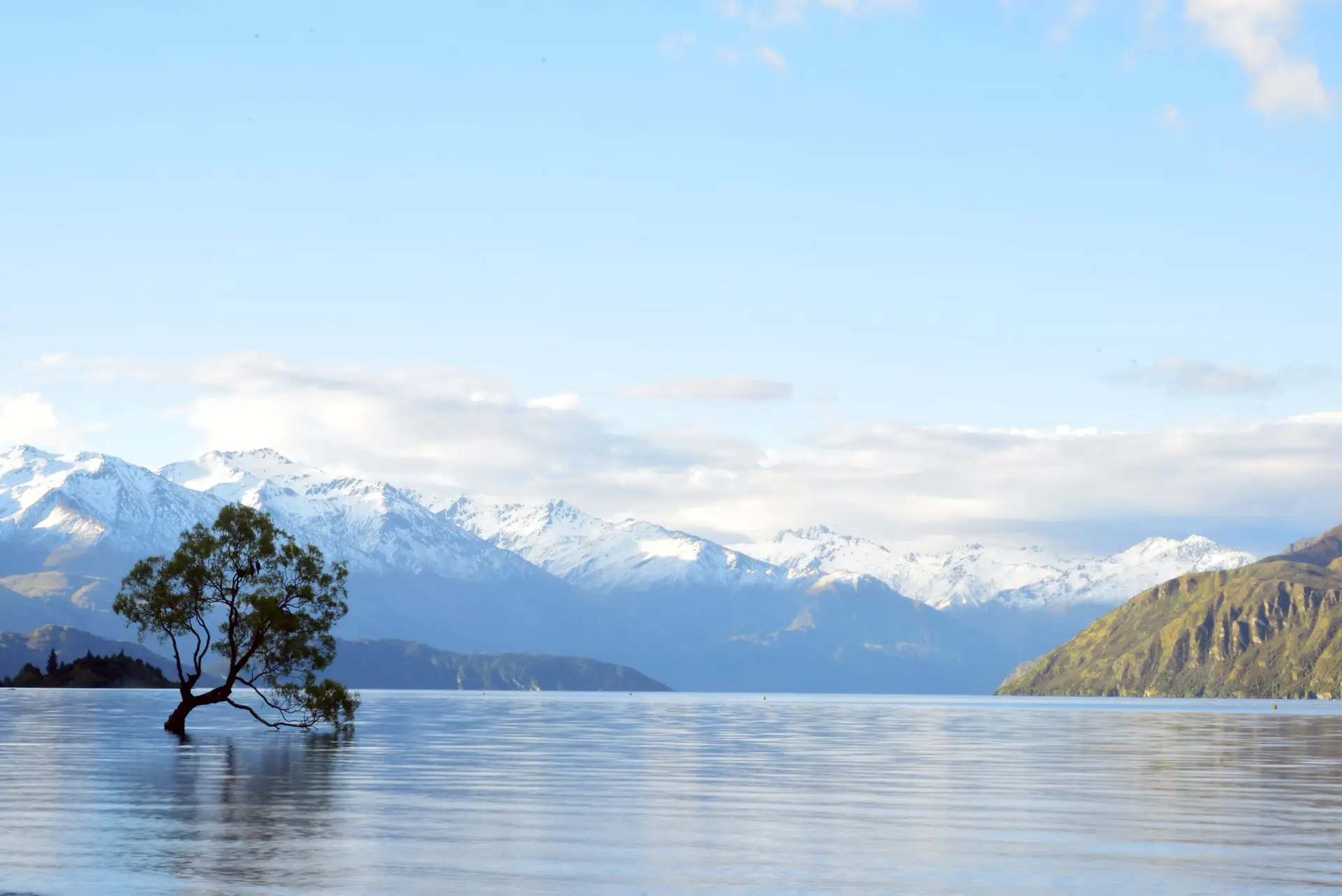
Holidays in Wanaka in Winter The gateway to Mt Aspiring National Park, Wanaka is a beautiful town with a wide range of activities for visitors
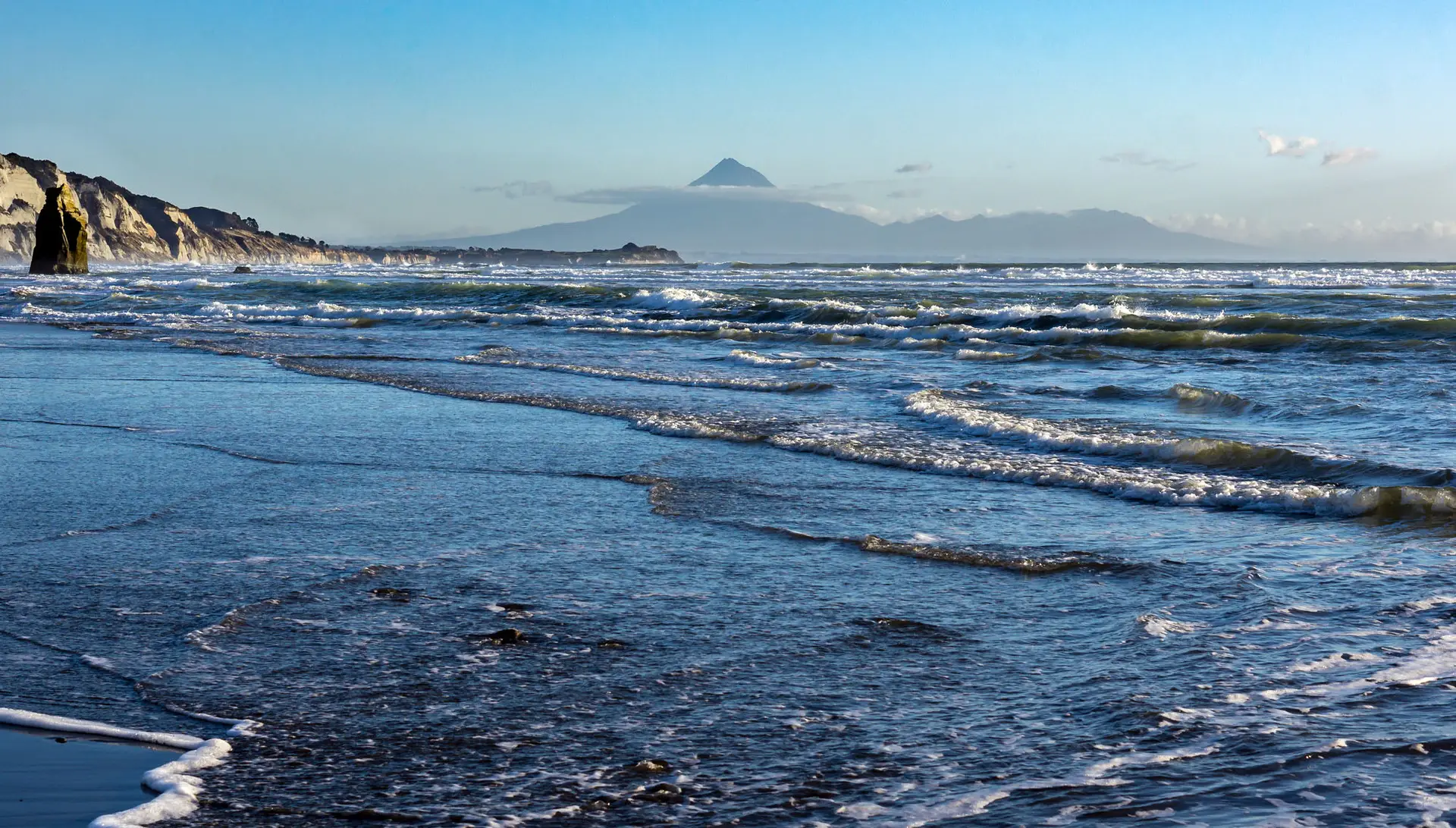
Holidays in Taranaki are perfect for the budget-conscious traveller. From the many hikes at Mt Taranaki to the famous Surf Highway 45, the cheap or
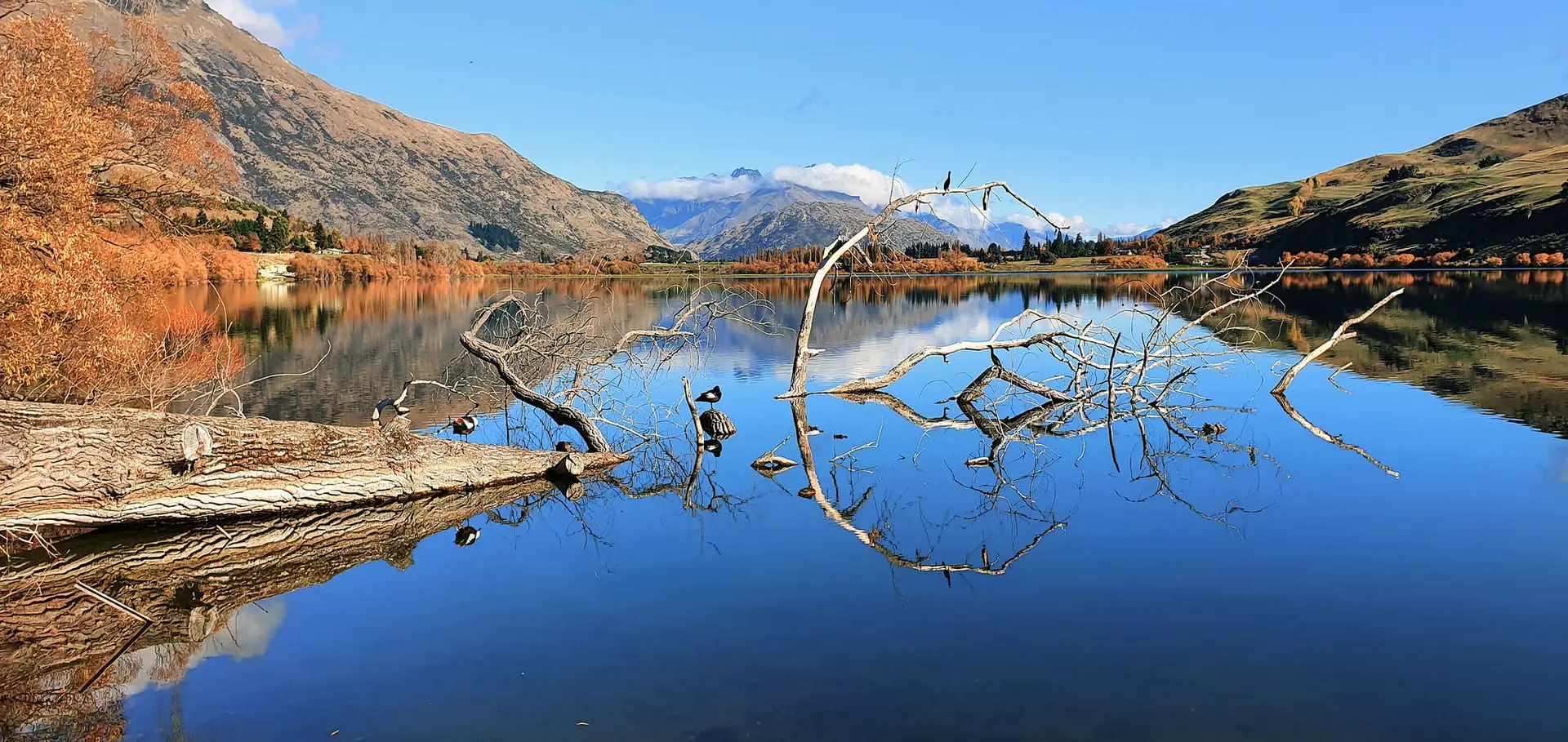
Step away from the normal tourist route and lose yourself in the unspoiled beauty of Central Otago. With unbelievable landscapes, wineries, fresh produce, boutique accommodation,
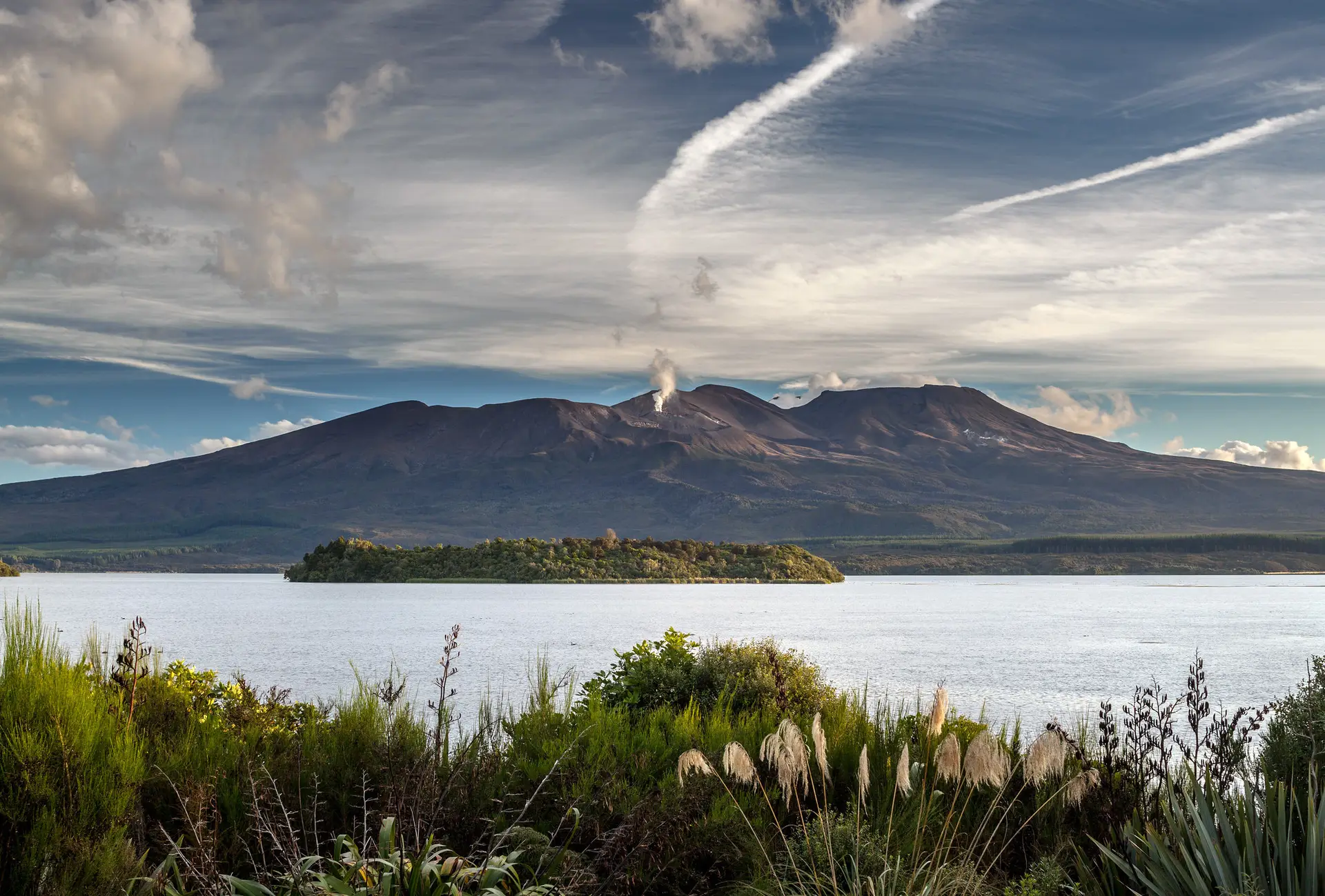
With its stunning natural beauty and range of activities, the Tongariro National Park is a spectacular destination for year-round outdoor activities and adventure. Explore the
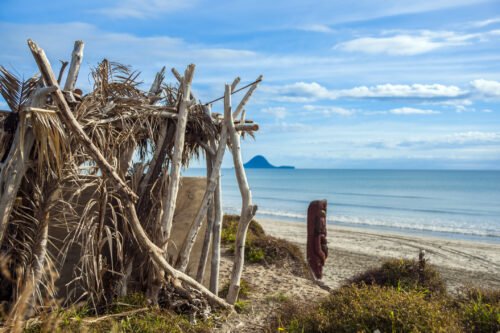
The Bay of Plenty is one of New Zealand’s most diverse holiday regions, offering geothermal attractions, coastal scenery, Māori culture, outdoor adventures, lakes, forests, and
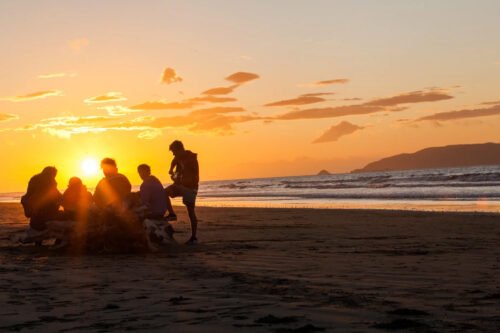
Planning group travel in New Zealand? Whether you’re organising a family reunion, school trip, sports team, corporate retreat or group getaway with friends, New Zealand
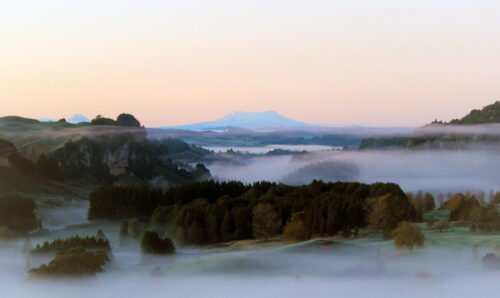
Discover a luxury nature stay near Auckland at Ripples Retreat in Waitomo. Unwind in private riverside cabins surrounded by peaceful Waikato countryside. Luxury Nature Stays